12 Awesome Google Sheets Dashboard Template Resources for 2026

Let's be real. You love data, but building a Google Sheets dashboard from scratch is a special kind of punishment. You spend hours wrestling with VLOOKUPs and pivot tables, only to create something that looks like it time-traveled from 1998. It's not just you; professionals spend an average of 18 minutes just searching for a single document, according to a report by McKinsey. Imagine how much time is lost debugging formulas!
This guide is your official intervention. We've rounded up 12 of the best google sheets dashboard template resources so you can stop formatting cells and start making brilliant, data-driven decisions. Instead of building a project tracker from zero, why not grab a free timesheet template for Google Sheets and hit the ground running?
Think of this as your shortcut to beautiful, functional reports. We’ll cover everything from fancy marketing dashboards that pull data from a dozen sources to simple project trackers that just plain work. Each entry has screenshots, links, and a no-fluff breakdown of what it's best for. Forget the blank slate anxiety. Let's find you the perfect template and reclaim your day.
1. Google Sheets Template Gallery (official)
The best place to start is often the most obvious one. Google’s own built-in template gallery is the safest and fastest way to get started. It’s the perfect no-frills entry point for anyone needing a basic google sheets dashboard template without the headache of third-party add-ons.
What’s great is the seamless integration. You don't need to grant permissions to weird apps or worry about security. With one click from the Google Sheets homepage, you can copy a professionally designed template into your Drive and start playing with it. This is the easy-to-assemble furniture of the dashboard world; it gets the job done reliably and without any leftover screws.
Key Features & How to Use It
While the gallery isn't bursting with complex analytics dashboards, it provides solid foundations. You'll find templates for project timelines, annual budgets, and basic sales trackers.
- Access: Totally free for anyone with a Google account.
- Ease of Use: Just go to the Google Sheets Template Gallery and pick a template. It opens as a new, editable sheet in your account.
- Best Use Case: Perfect for internal tracking, small projects, or as a base to build upon. For example, you could tweak the "Annual business budget" template to track your monthly marketing spend.
The main drawback? A lack of fancy, data-source-ready templates. If you need to pull in data from platforms like Google Analytics, you’ll have to do some heavy lifting. To get a head start, you can find a solid Google Analytics reporting template and learn how to connect it.
2. Sheetgo Templates
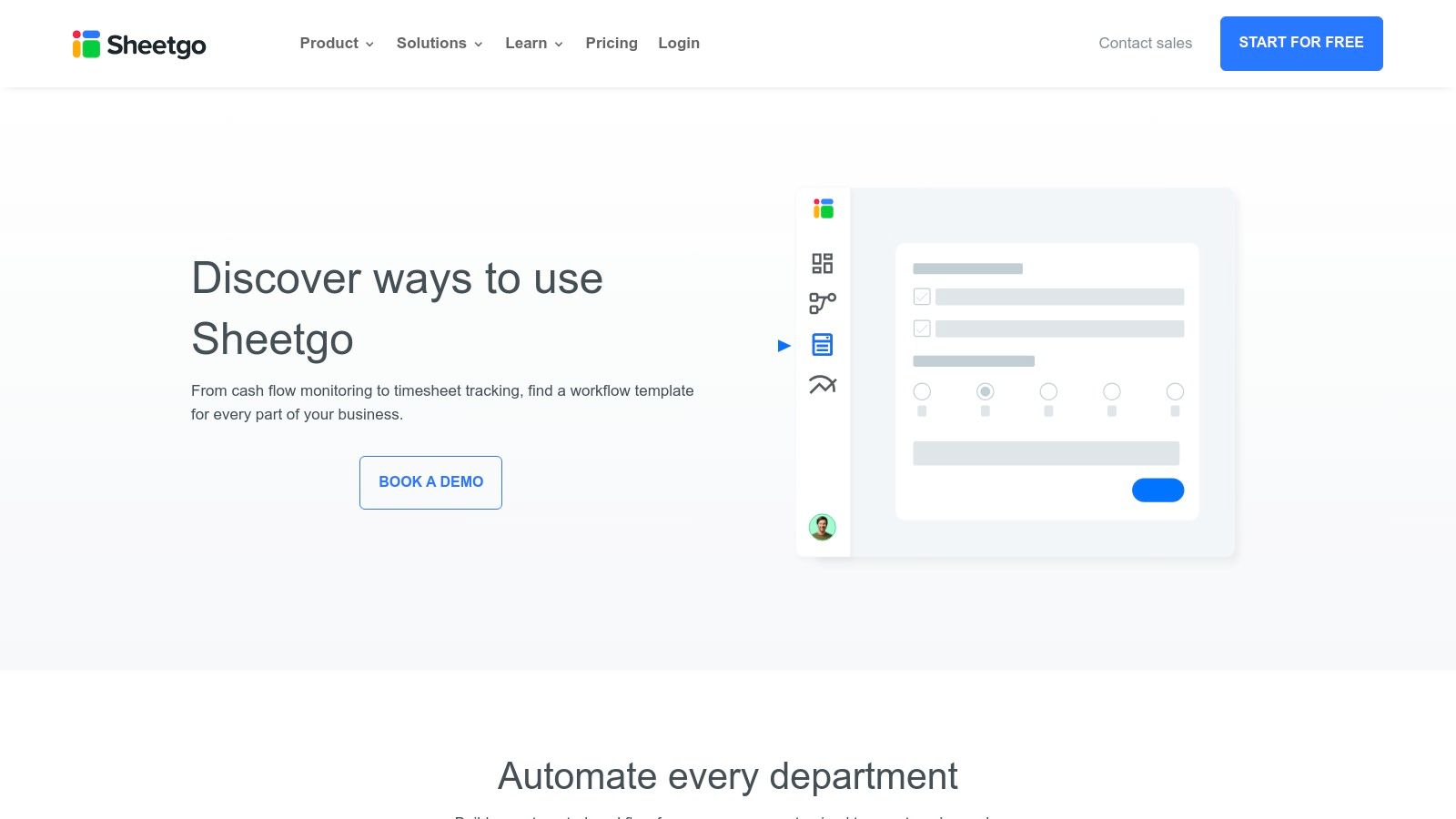
If Google's native templates are easy-to-assemble furniture, Sheetgo's templates are the whole kitchen remodel kit. Sheetgo provides entire automated workflows, not just a single google sheets dashboard template. These are interconnected systems that automatically gather data from multiple sources and display it in a live, pre-built dashboard.
This makes it a powerhouse for anyone whose data needs to do more than just sit there looking pretty. Instead of one monster spreadsheet, Sheetgo connects several smaller, manageable files. For example, a sales workflow might link a Google Form for new leads to a master tracker, which then updates a dashboard automatically. It's what turns your static sheet into a dynamic, "get-things-done" machine.
Key Features & How to Use It
Sheetgo’s library is packed with templates for finance, sales, HR, and inventory. The real magic is the automation baked into each one, powered by their add-on.
- Access: Many templates are free, but they rely on the Sheetgo add-on, which has free and paid tiers. The free plan is pretty generous.
- Ease of Use: Pick a template from their site, install the add-on, and follow the setup guide. The guides are surprisingly good.
- Best Use Case: Awesome for businesses needing to consolidate data from multiple sheets or team members without endless copy-pasting. Their "Sales Report" template can combine trackers from individual reps into one master dashboard, all on its own.
The catch? You're basically joining the Sheetgo ecosystem. It's powerful, but you'll need to learn how their app works to get the most out of it.
3. Supermetrics for Google Sheets – Template Gallery
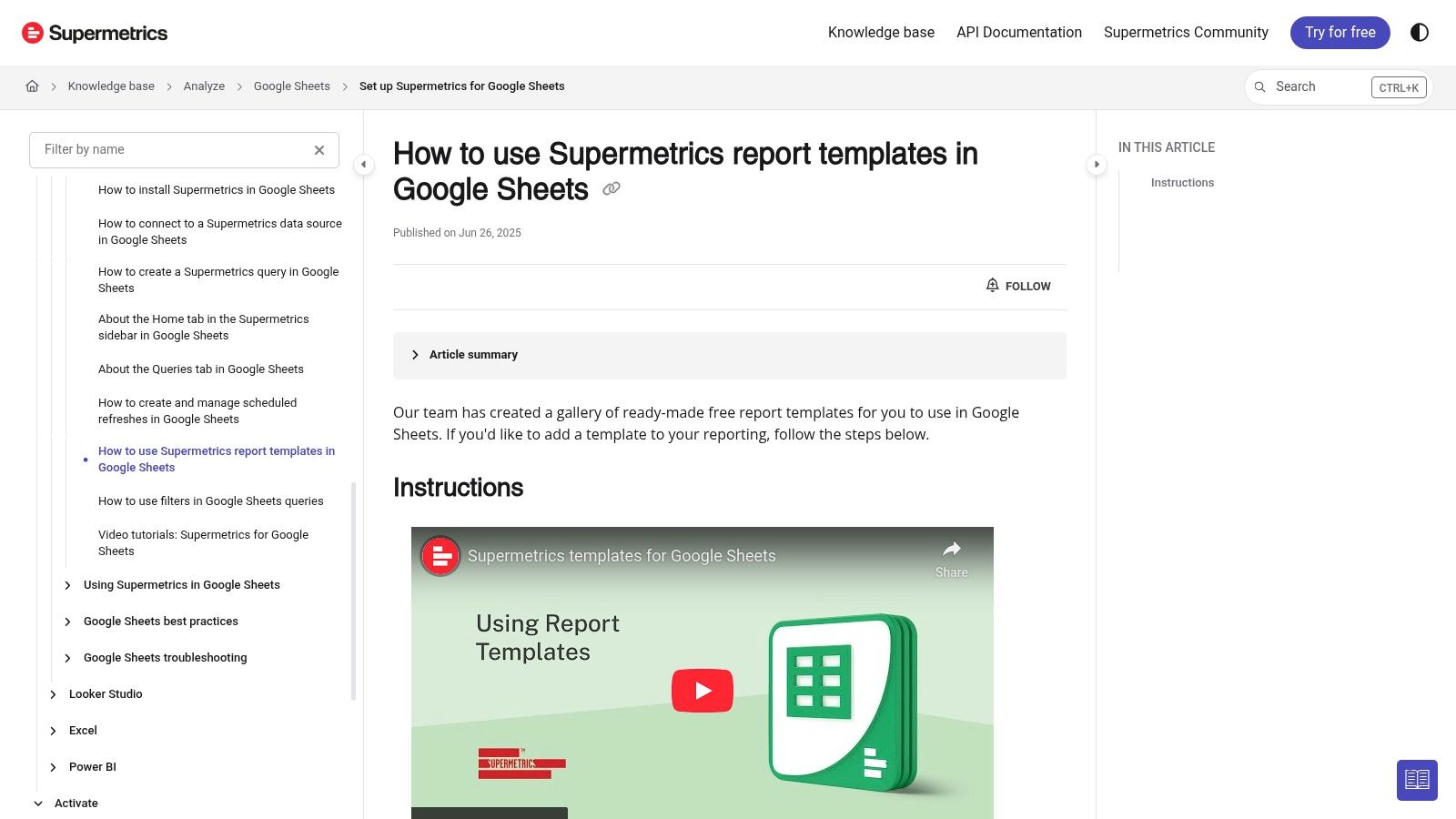
For marketing teams drowning in data from a dozen platforms, Supermetrics is a life raft. Their template gallery isn't just a collection of spreadsheets; it's a powerful system built on their data connector add-on. This makes it the top choice for creating a multi-channel google sheets dashboard template that pulls live data from GA4, Facebook Ads, and LinkedIn Ads without you lifting a finger.
Supermetrics is all about automation for marketers. The templates work with their add-on to schedule automatic data refreshes. Your dashboard is always up-to-date, saving you from the soul-crushing task of exporting CSVs. It's like putting your client reporting on autopilot, which is every agency's dream.
Key Features & How to Use It
The gallery is right in the Google Sheets sidebar after you install the add-on, which is super convenient. You can preview and pop in templates for paid media, social media, and more. A lot of these are designed to analyze business metrics like customer and social data. For a deeper dive, check out some customer intelligence and social data applications.
- Access: Requires a Supermetrics license (it's not free, folks).
- Ease of Use: Install the add-on, open the sidebar, go to the Template Gallery, and click to insert a report.
- Best Use Case: Perfect for marketing agencies managing multiple clients or in-house teams who need one view of their ad spend and performance.
The big hurdle is the Supermetrics subscription, which can be pricey. But for teams that live and breathe marketing data, the time saved usually makes it worth it. To learn more about this kind of automated reporting, you can find a guide to creating powerful Google Sheets reports.
4. Coupler.io – Google Sheets Dashboard Examples & Templates
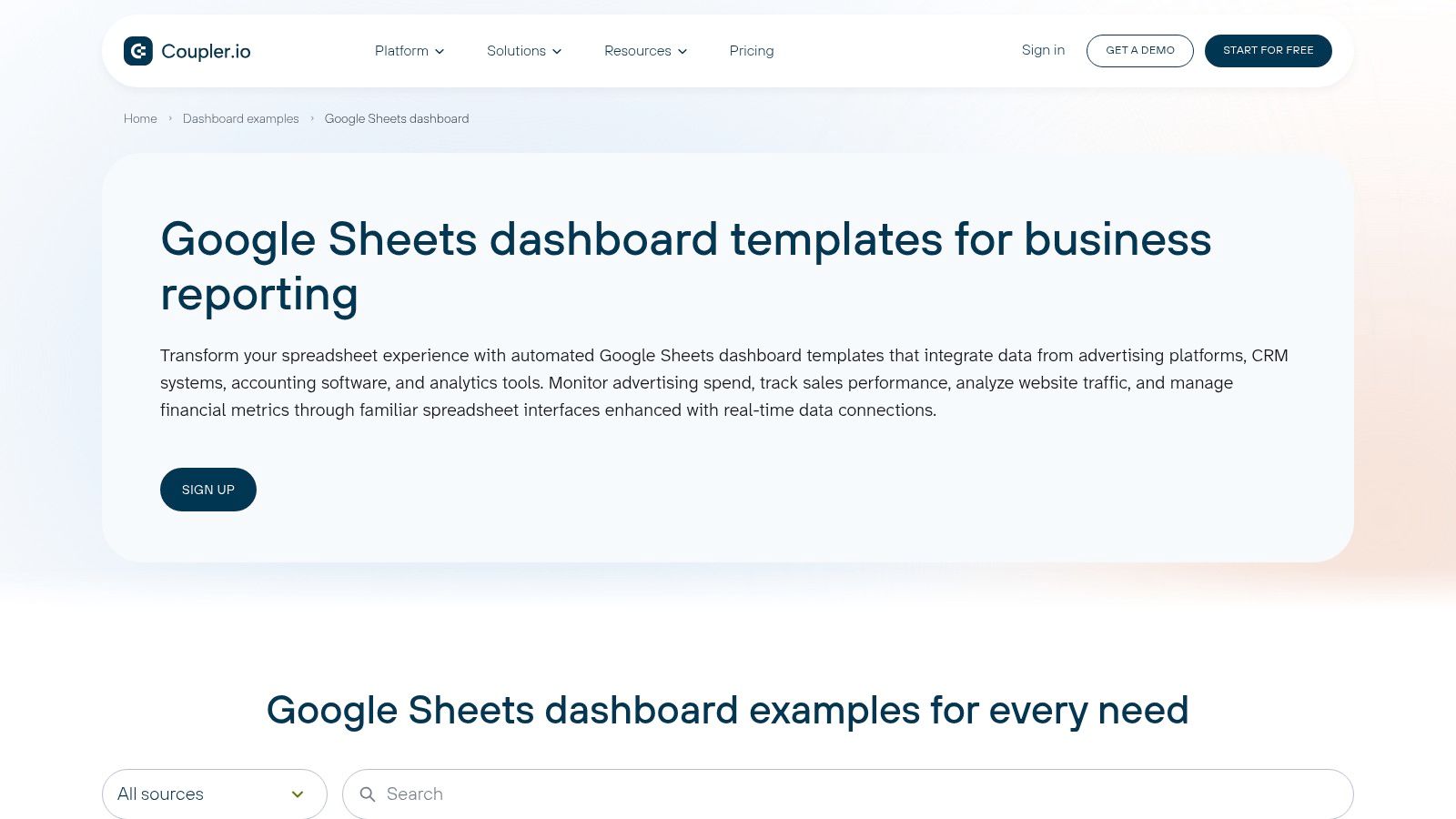
Coupler.io is a data automation tool that happens to have a gallery of awesome templates. This makes it a great choice for anyone who needs a google sheets dashboard template that automatically pulls data from places like Google Ads, HubSpot, or Facebook Ads. Say goodbye to mind-numbing copy-pasting.
What sets it apart is the combo of pre-built dashboards with its data integration service. Each template is designed to work with their connectors, creating a semi-automated reporting system right out of the box. It’s perfect for people who want to spend less time wrangling data and more time actually analyzing it. Think of it as putting your most boring reporting tasks on autopilot.
Key Features & How to Use It
The real prize here is the automation. The templates are a great starting point for building slick, auto-updating reports for marketing, sales, and finance.
- Access: The templates are free to copy, but the automation part requires a paid Coupler.io plan.
- Ease of Use: Each template comes with a handy "ReadMe" tab. You connect your data sources, set a schedule, and watch the dashboard magically populate itself.
- Best Use Case: Ideal for recurring reports like monthly client updates or weekly sales tracking. Their white-label options are also a big plus for agencies.
The only catch is that the full power is locked behind a subscription. You can use the layouts manually, but you’ll miss out on the magic of automation. If you want to build from scratch, this guide on how to make a Google Sheets dashboard can get you started.
5. Tiller (personal finance dashboards for Sheets)
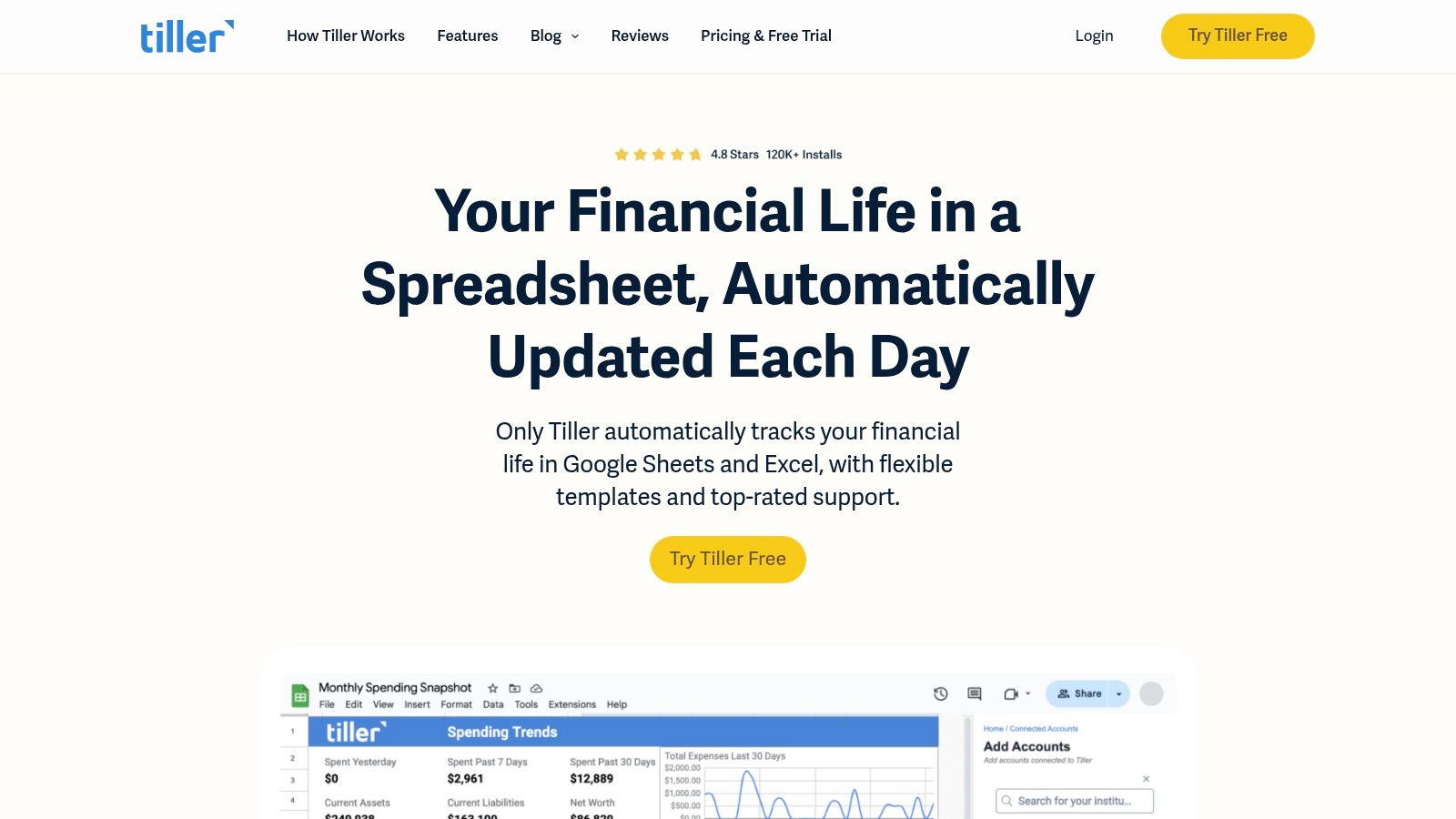
While most dashboards are for business, Tiller is a standout for personal finance. It turns your spreadsheet into a financial command center by automatically pulling your transactions from banks and credit cards into a Google Sheet. This makes it an amazing google sheets dashboard template for anyone wanting to track their money without being stuck in a rigid app like Mint.
What makes Tiller special is its automation combined with the total flexibility of a spreadsheet. You get your raw financial data in a format you completely control. You can build your own reports or use Tiller's templates for budgeting, tracking net worth, and seeing where all your money really goes. It's the perfect middle ground between tedious manual entry and a restrictive budgeting app.
Key Features & How to Use It
Tiller uses a Google Sheets add-on to securely connect to thousands of banks. Once linked, it pulls your data, letting the pre-built dashboards visualize your financial life automatically.
- Access: Requires a subscription after a 30-day free trial. You can find plans on the Tiller website.
- Ease of Use: Install the add-on, link your accounts, and launch templates from the sidebar. It's all very well-guided.
- Best Use Case: Perfect for individuals, families, or freelancers who want automated financial tracking with the power to customize everything. The "Foundation Template" is a great all-in-one start.
The only downside is its laser focus. If you need a dashboard for marketing KPIs or project management, this ain't it. Tiller is all about personal finance, and it rocks at it.
6. Vertex42 (Google Sheets templates)
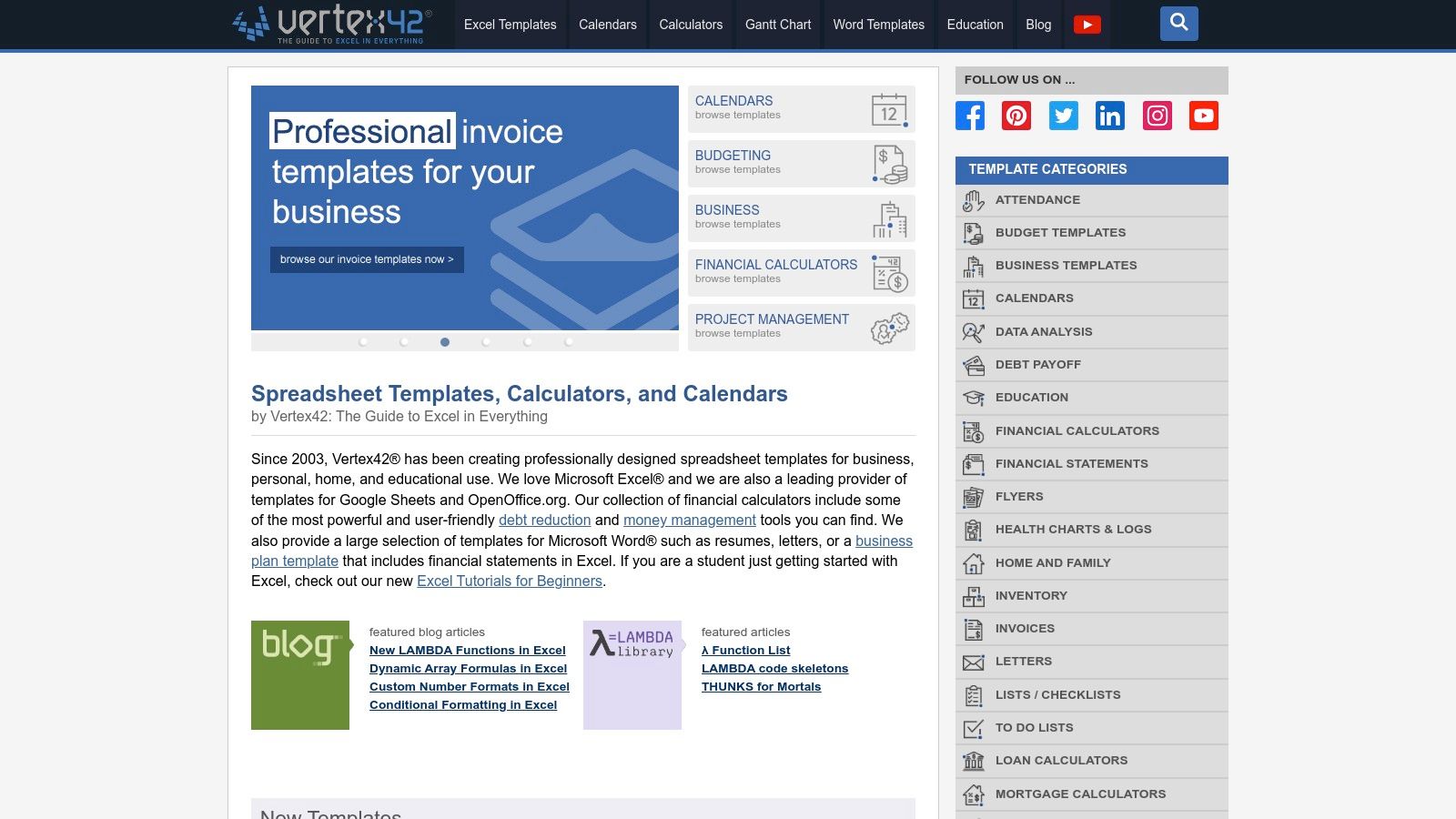
Vertex42 is a legend in the spreadsheet template world. It's a massive library of reliable templates for Excel, with tons of Google Sheets versions now available. While not a dedicated dashboard provider, it’s a goldmine for finding well-made templates for finance, project management, and calendars that you can easily turn into a powerful google sheets dashboard template. It's like a well-organized hardware store; you go in for one thing and leave with pieces for three other projects.
What makes Vertex42 great is its reputation for quality and clear instructions. Each template explains how it works, which is a huge plus for anyone who wants to learn, not just copy. It’s less about a flashy, one-click solution and more about providing solid, dependable building blocks.
Key Features & How to Use It
The site's strength is its huge collection of free, business-focused templates. You'll find everything from Gantt charts to detailed budget planners.
- Access: Most templates are free to download directly from the Vertex42 website. Just find the Google Sheets version and make a copy.
- Ease of Use: Super straightforward. The site is easy to navigate, and each template page tells you what it does before you download.
- Best Use Case: Excellent for creating the "data" tabs of a larger dashboard. You could use their project timeline template to feed a high-level project status chart, for instance.
The catch is that you're getting the parts, not the finished car. You’ll need to link the data from these templates to your own charts and graphs. It’s perfect for the DIY type who prefers control over a pre-packaged deal.
7. Template.net – Google Sheets Dashboard Templates
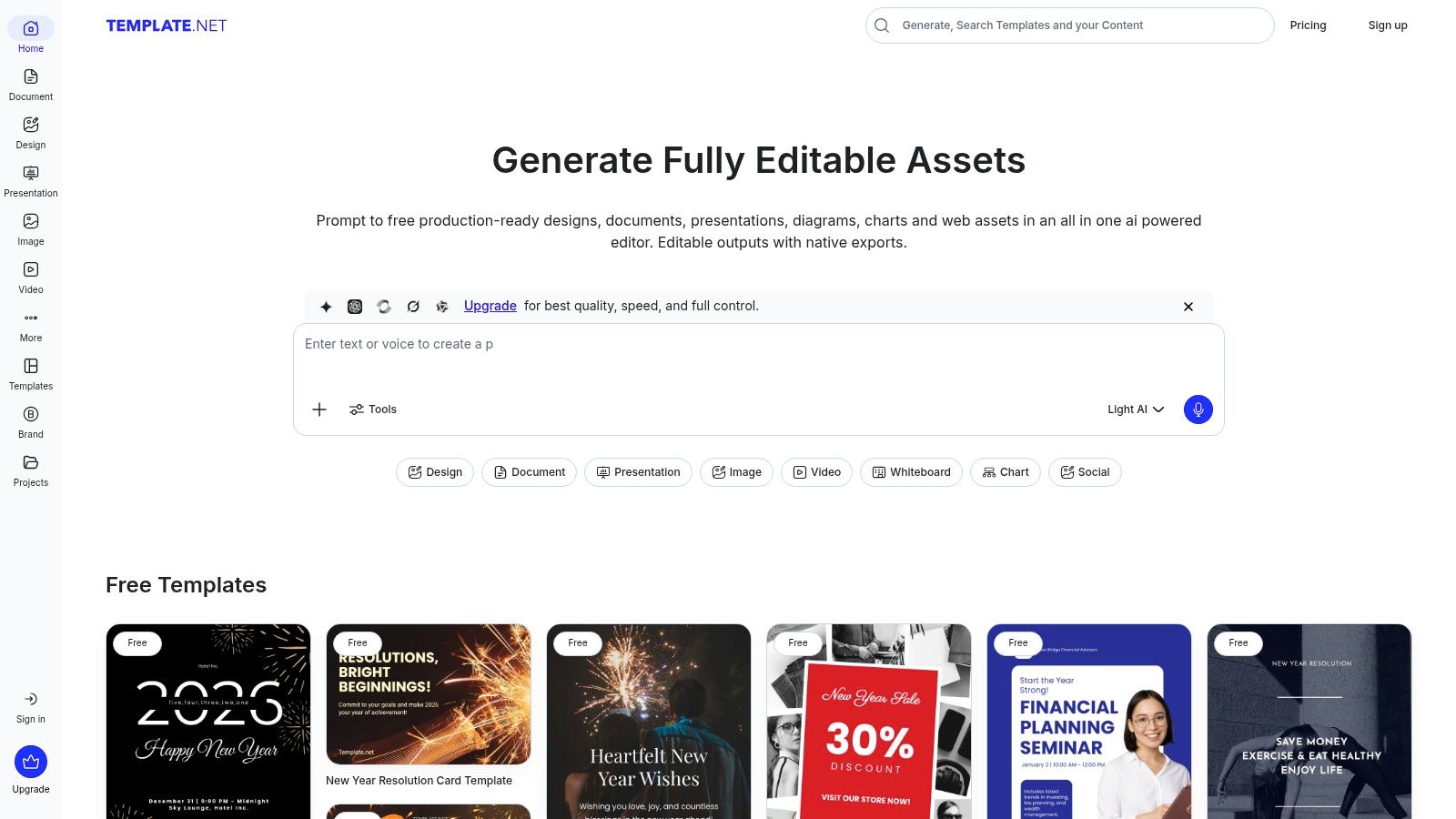
Template.net is a gigantic digital marketplace for all sorts of business documents, and its dashboard templates are no exception. If you need a google sheets dashboard template for a specific job, like operations or sales, you'll probably find a starting point here. It’s like the stock photo library for spreadsheets; you get a wide variety of professionally designed layouts ready to go.
What makes Template.net stand out is its sheer volume and business focus. It excels at providing straightforward, clean dashboards for common business needs. You can quickly find a project management dashboard, a financial KPI tracker, or a social media report, saving you the headache of designing one from scratch. Think of it as the express lane for a functional, business-friendly dashboard.
Key Features & How to Use It
The platform is designed for speed. You can search, filter, and download templates in minutes. While many are free, the best ones often require a subscription.
- Access: A mix of free and premium templates. Full access requires a subscription, but many options are available with just an account.
- Ease of Use: Go to the Google Sheets Templates section, find a dashboard you like, and download it.
- Best Use Case: Great for business users in operations, finance, or HR who need a professional-looking dashboard without building it from the ground up.
The main drawback is that quality can be a mixed bag. Some templates are just pretty layouts, while others are more functional. You might need to put in some work to connect your data and tweak the formulas.
8. Better Sheets – Templates Marketplace
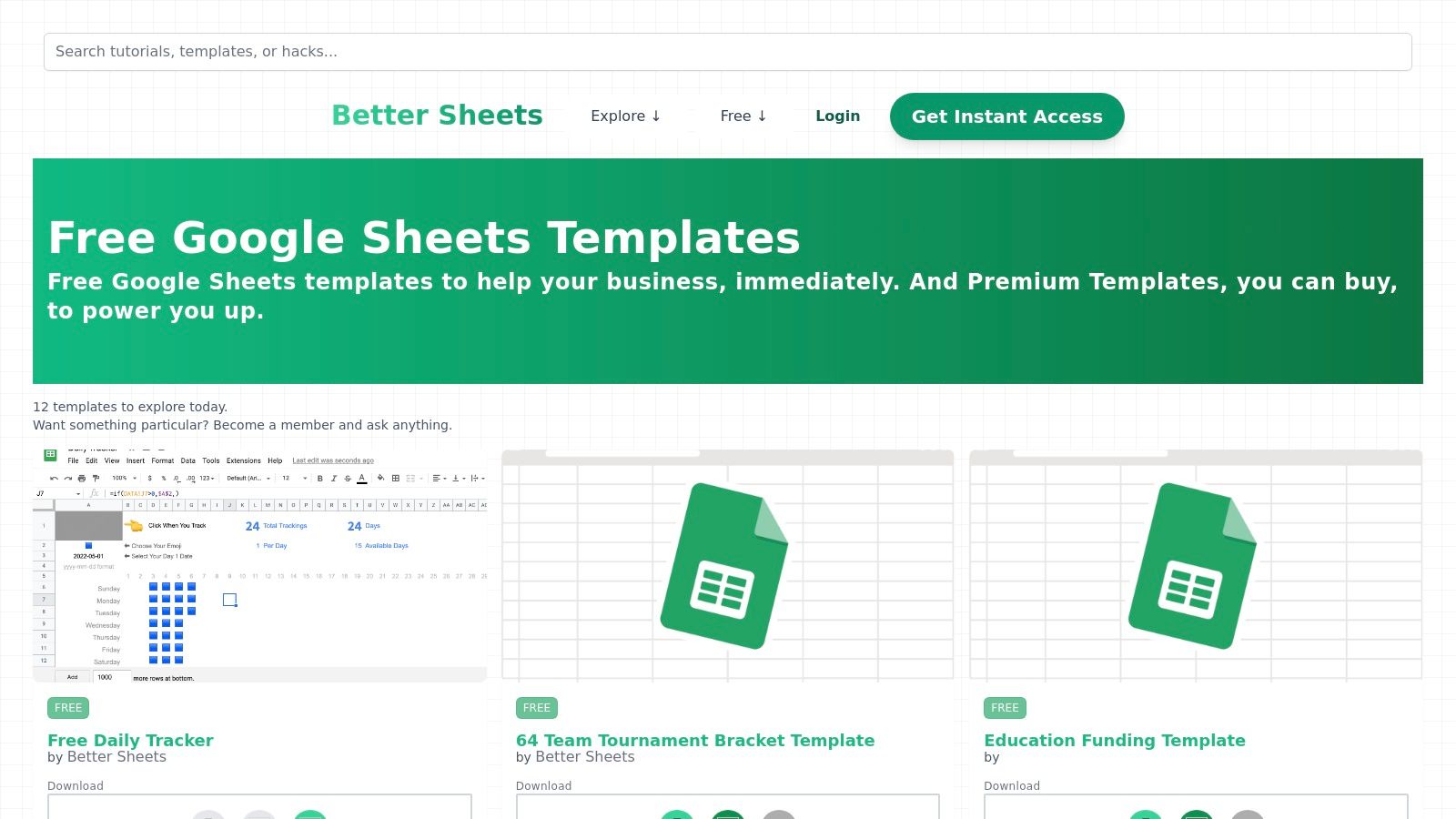
Better Sheets is different. It’s a curated marketplace built by Google Sheets nerds for Google Sheets nerds. Think of it as an Etsy for spreadsheets; each template is crafted to solve a specific, real-world problem. This is where you go for a google sheets dashboard template designed by someone who actually lives inside of Sheets all day.
What makes it unique is its focus on solving actual business problems. Instead of generic charts, you'll find templates for tracking content funnels, managing creator pipelines, or even building a CRM in Sheets. This creator-driven approach means you get solutions that are often more intuitive than what you'd find in a generic gallery. It’s less about a one-size-fits-all template and more about finding a purpose-built tool.
Key Features & How to Use It
The marketplace sells individual templates and offers memberships for access to a bigger library and educational content. Many tools include dedicated dashboard tabs for at-a-glance analysis.
- Access: A mix of free and premium templates for individual purchase. Check out the collection on the Better Sheets Templates page.
- Ease of Use: Templates are usually well-documented. You buy, make a copy, and start plugging in your own data.
- Best Use Case: Perfect for marketers, creators, and operators who need a niche tool for a specific problem, like visualizing an editorial calendar and tracking article performance.
The only catch is the indie nature of the catalog. The templates are powerful but might need tweaking for rigid corporate environments. You’ll want to double-check that each template fits your exact needs.
9. Someka Template Collection (Google Workspace Marketplace)
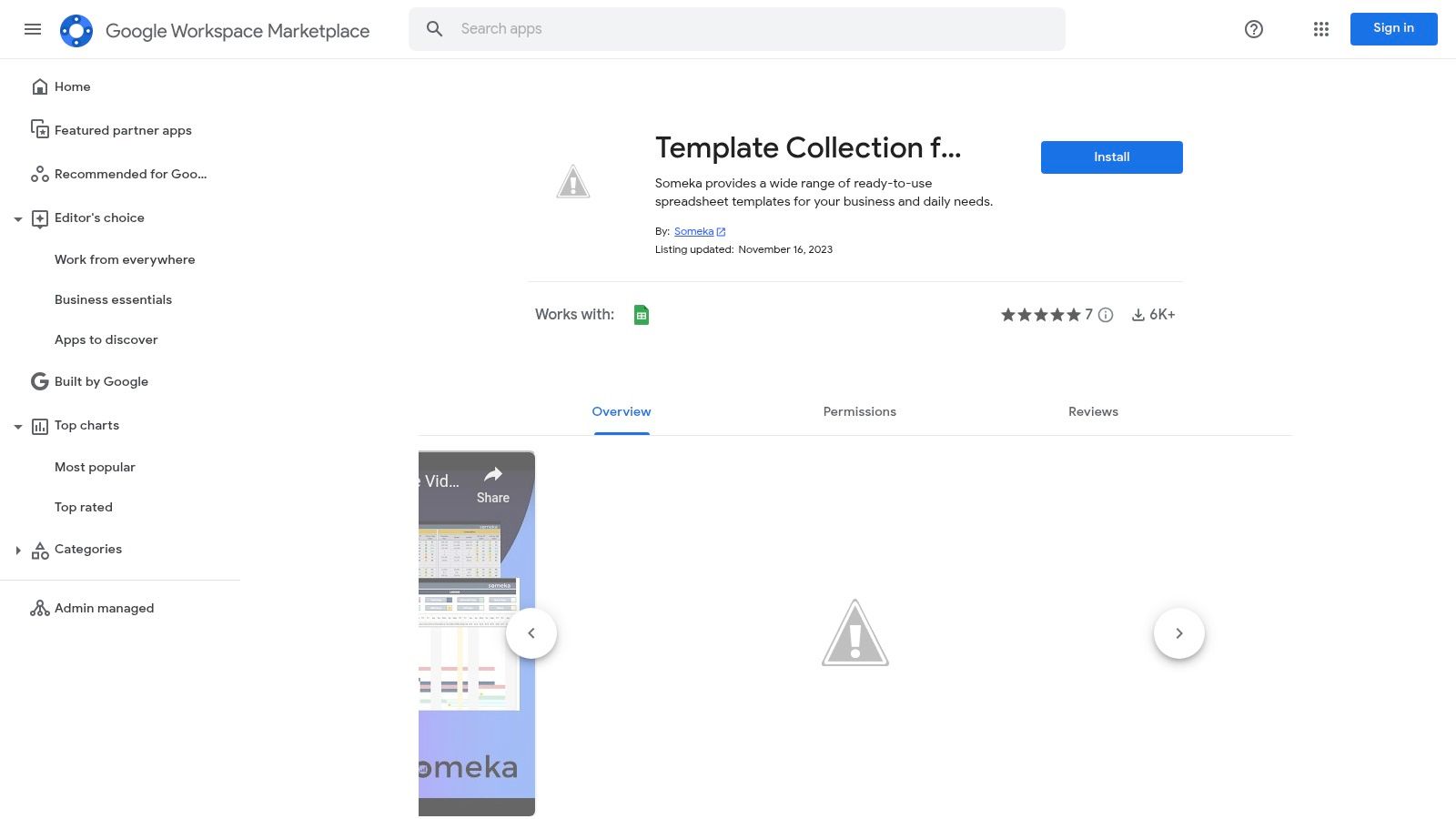
For those who want to browse templates without ever leaving Google Sheets, Someka’s add-on is a dream come true. Instead of hunting through websites, this tool brings a huge library of dashboards right into your spreadsheet. It's an in-app browser for business templates, letting you find and launch one with a single click.
What makes it great is the pure convenience. It cuts out the friction of finding, downloading, and importing a google sheets dashboard template. This is super useful for business users who need specialized dashboards for things like project management or sales KPIs but don't want to get lost in a sea of browser tabs. It feels like an upgrade to your Sheets toolbar.
Key Features & How to Use It
The collection's strength is its massive variety, covering almost every business function you can think of. Many templates even come with video tutorials, which is a nice touch.
- Access: The Someka Template Collection add-on is free to install from the Google Workspace Marketplace.
- Ease of Use: Once installed, open it from the "Extensions" menu. You can browse categories and click to open a template as a new sheet.
- Best Use Case: Perfect for managers or small business owners who need a variety of business dashboards and love efficiency.
The main caveat is that the add-on is a gateway to both free and premium templates. You might find the perfect dashboard only to realize it costs money, so keep an eye on the price tags.
10. Etsy – Google Sheets Dashboard Templates
For a unique and often beautifully designed google sheets dashboard template, Etsy is an unexpected goldmine. It's not just for handmade crafts; it's home to tons of indie creators selling hyper-specific, cheap dashboards for e-commerce analytics, social media tracking, personal finance, and more. Think of it as the farmers' market of spreadsheets—you can find exactly the niche solution you need.
What makes Etsy a winner is the sheer variety and creativity. You're not getting a boring corporate template. You're buying a product made by someone who probably had the same problem you do. The built-in review system also helps you see what's good before you buy. For a few bucks, you get an instant download and support a small creator. Win-win.
Key Features & How to Use It
Quality and complexity vary, but the value is often amazing, especially for visual dashboards designed for small businesses or solopreneurs.
- Access: Prices are usually super low, often between $5 and $30 for an instant digital download. You get a link to copy the template to your Google Drive.
- Ease of Use: Most sellers give you simple instructions. You get a link, make a copy, and start adding your data. It's incredibly easy.
- Best Use Case: Perfect for e-commerce sellers, freelancers, or small businesses needing a visually appealing and affordable dashboard for a specific purpose, like tracking sales or managing inventory.
The catch is that support depends on the seller. You won’t get enterprise-level documentation. To start, just search for "Google Sheets dashboard" on Etsy and get ready to scroll.
11. Gumroad – Google Sheets Dashboard Templates
If you want something more polished than a basic template but aren't ready for a subscription, Gumroad is the place to look. It's a platform where independent creators sell digital products, and it's a treasure trove for finding a specialized google sheets dashboard template. You can find everything from sophisticated financial models to niche KPI trackers built by pros.
What makes Gumroad a standout is its direct-from-the-creator model. You’re buying a pre-built, often highly functional, dashboard that you can copy to your own Google Drive. This gives you a huge variety of styles and functions you won’t find elsewhere. It's like an indie bookstore for spreadsheets; you never know what clever solution you'll find.
Key Features & How to Use It
It's a collection of individual products, but most work the same way. You buy a one-time link to make a copy of a master sheet.
- Access: Varies by creator. Many templates are a one-time purchase, from $5 to $50. Some creators even use a "pay-what-you-want" model.
- Ease of Use: After purchase, you get a link. Click it, select "Make a copy," and the template is saved to your Google Drive forever.
- Best Use Case: Excellent for finding a purpose-built google sheets dashboard template for small business BI, advanced personal finance, or startup KPI reporting without building from scratch.
The main warning is that quality and support can be inconsistent. Since you're buying from individuals, check creator ratings and descriptions carefully. It's a tradeoff for getting a unique, budget-friendly dashboard.
12. Windsor.ai – Free Google Sheets Dashboard Templates
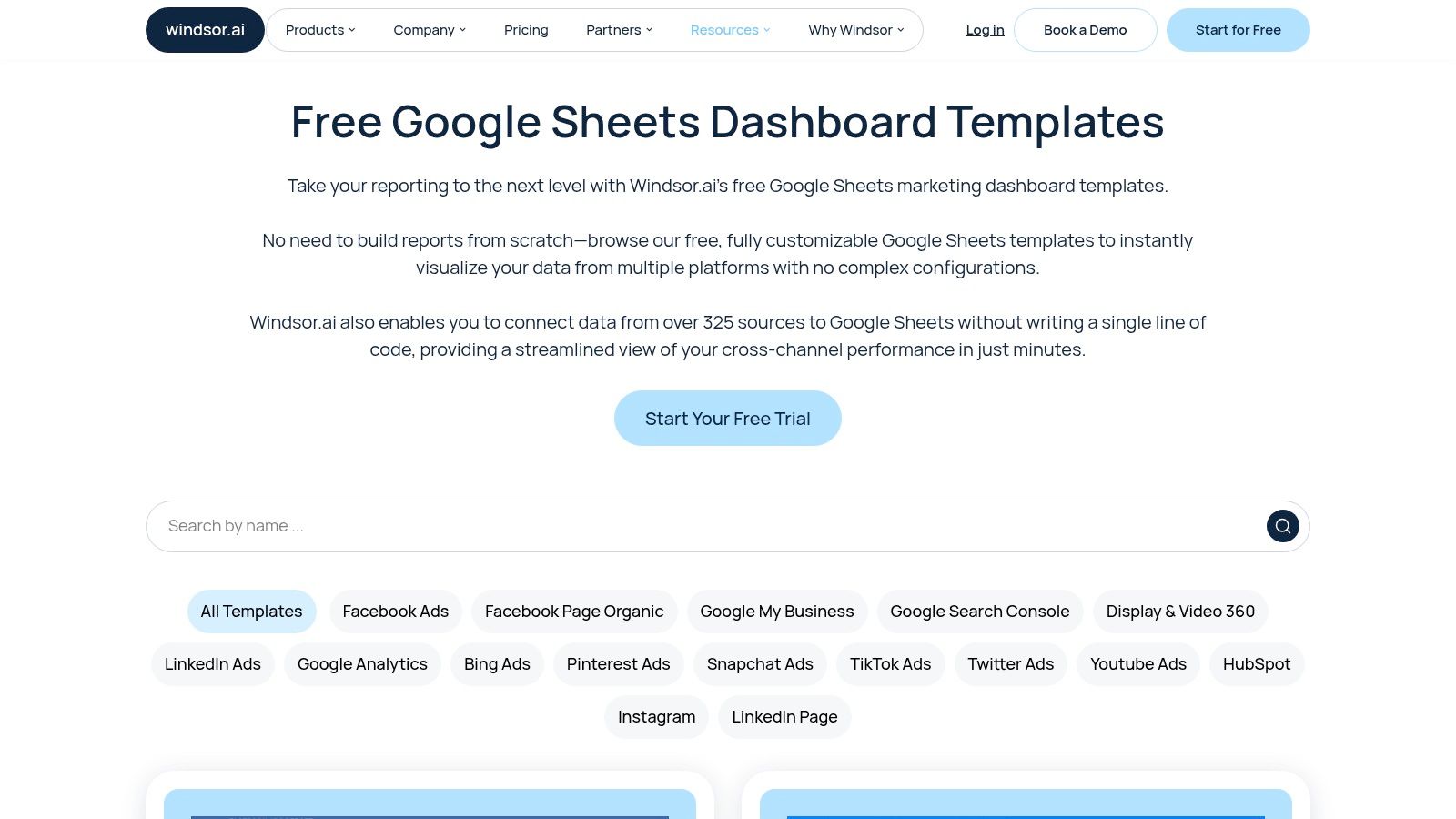
For marketing agencies and teams that live on performance data, Windsor.ai offers a focused gallery of free templates that are ready to go. Their collection is specifically designed to visualize marketing KPIs, making it a great starting point for tracking campaign success and channel performance. It’s a fantastic way to get a professional-looking dashboard without building every chart yourself.
What’s unique about Windsor.ai's templates is their direct path to automation. They are built to work perfectly with Windsor.ai’s data connectors. This creates a clear upgrade path for users who start with a free google sheets dashboard template and later decide they need to automate data from Facebook Ads, LinkedIn Ads, or Google Analytics. It’s like getting a free race car that you can later upgrade with a pro engine.
Key Features & How to Use It
The gallery provides plug-and-play solutions for common marketing reports. You can quickly set up a dashboard to share with clients or your team.
- Access: The templates are totally free to download and use from their Google Sheets dashboard templates gallery.
- Ease of Use: Just click to copy a template to your Google Drive. The layouts are clean and the formulas are easy to understand.
- Best Use Case: Perfect for marketing agencies needing quick, client-ready reports or in-house teams looking to consolidate performance data without a big initial investment.
The only catch is that the real power is unlocked when you subscribe to Windsor.ai’s data connector services. Without them, you'll be updating your data manually, which isn't ideal for fast-moving campaigns.
Top 12 Google Sheets Dashboard Templates Comparison
| Product | Target audience | Key features | Ease of setup / UX | Price / Value |
|---|---|---|---|---|
| Google Sheets Template Gallery (official) | Beginners, quick KPI layouts, Google users | One‑click copy, built‑in templates, native Sheets integration | Very easy — no installs or permissions | Free with Google account |
| Sheetgo Templates | Teams needing automated workflows and multi‑file dashboards | Preconfigured dashboards, multi‑file workflows, forms & automations | Moderate — requires Sheetgo app/setup | Paid plans; best value when using Sheetgo |
| Supermetrics for Google Sheets – Template Gallery | Agencies & marketing teams needing multi‑source reports | GA4/ads templates, sidebar gallery, auto‑refresh via connectors | Moderate — needs Supermetrics add‑on & license | Requires Supermetrics subscription |
| Coupler.io – Dashboard Templates | Marketers/business users needing scheduled pulls & many connectors | Connectors for GA4/ads/CRM, automated refresh, step‑by‑step guides | Moderate — connector setup and scheduling | Paid plans for connectors/automation |
| Tiller (personal finance dashboards) | Personal finance users, budgeters | Bank feeds via add‑on, finance templates, community solutions | Easy–moderate — add‑on install and bank linking | Subscription after free trial |
| Vertex42 (Google Sheets templates) | SMBs and users needing foundational KPI tabs & charts | Large library, documentation, templates for budgets/trackers | Easy — download & adapt; many ready to use | Mostly free; some premium items |
| Template.net – Dashboard Templates | Business users wanting varied dashboard layouts | Wide dashboard catalog, instant download, searchable filters | Easy — immediate download; quality varies | Mix of free and subscription items |
| Better Sheets – Templates Marketplace | Operators and marketers wanting specialist templates & education | Curated templates, membership bundles, educational resources | Easy–moderate — varies by template and bundle | Free & premium templates; membership/lifetime deals |
| Someka Template Collection (Marketplace add‑on) | Business users who want in‑Sheets discovery | In‑Sheets gallery, categorized templates, tutorial videos | Easy — install add‑on and open templates | Add‑on free; some templates may require payment |
| Etsy – Dashboard Templates | Niche users needing low‑cost, niche dashboards | Instant downloads, seller ratings, niche use cases | Easy — purchase and copy link to Drive | Low‑cost one‑time purchases (varies by seller) |
| Gumroad – Dashboard Templates | Small businesses and solo creators seeking one‑time buys | One‑time purchases, variety of templates, lifetime copy access | Easy — buy and copy to your Drive | One‑time payments; price varies by creator |
| Windsor.ai – Free Templates | Agencies & marketers needing free starter marketing dashboards | Free marketing templates, customizable charts, shareable | Easy — quick to customize; automation may need paid connectors | Free templates; connectors/features may be paid |
Go Forth and Dashboard (Wisely)
Well, there you have it. We've journeyed through the internet, from official Google galleries to indie marketplaces, all in the noble quest for the perfect Google Sheets dashboard template. The days of staring at a blank spreadsheet, paralyzed by the sheer potential of cell A1, are officially over. Tools like Supermetrics can automate the grunt work, while platforms like Someka and Vertex42 offer plug-and-play solutions for everything from project management to finance.
The biggest takeaway? You don't need to be a spreadsheet wizard to create a powerful dashboard. The right template is a massive shortcut, giving you a solid foundation designed by people who actually enjoy this stuff. Your job is to pick the one that fits your story and start connecting the dots.
Choosing Your Champion: A Final Checklist
Before you download the first flashy template you see, take a breath. The best dashboard is the one you actually use. Remember, a dashboard that tries to show everything often shows nothing of value. Clarity is king.
Ask yourself these final questions:
- What is the one key question this dashboard must answer? Define your mission first. Is it to track monthly recurring revenue (MRR)? Monitor ad spend ROI? Or just get a handle on your freelance income?
- How much automation do I really need? If you're updating a few numbers weekly, a simple template is fine. But if you’re pulling data from multiple sources, a connector-based template from Supermetrics or Windsor.ai will save you from mind-numbing copy-pasting. A 2021 survey by Wakefield Research found that employees spend about 5 hours per week on repetitive tasks that could be automated.
- What's my budget? We've covered tons of free options. But sometimes, a paid
google sheets dashboard templatefrom Etsy or a subscription to Tiller is a small price to pay for a huge leap in functionality and time savings. - How much customization will I need? Look for templates that are well-documented. If tweaking a formula makes you sweat, stick to simpler designs. If you enjoy tinkering, grab a more flexible template and make it your own.
Ultimately, a Google Sheets dashboard is just a tool. The real magic happens when you use its insights to make smarter, faster decisions. So go ahead, pick your favorite, connect your data, and turn those raw numbers into strategic action.
When your reporting needs grow beyond what a spreadsheet can handle, or when you're just plain tired of manual updates, it might be time to graduate. MetricsWatch offers a fully automated reporting platform that pulls data from your favorite marketing tools and delivers it right to your inbox—no spreadsheets required. Check out MetricsWatch to see how simple professional, automated reporting can be.


