12 Best Looker Studio Templates to Save Hours of Work in 2026

Let's be real, you could spend the next 10 hours wrestling with Looker Studio, aligning boxes, and screaming at a calculated field that just won't calculate. Or, you could grab a pre-built template and look like a genius in 10 minutes. This isn't just about avoiding a headache; it's smart business. A 2023 report from BARC found that using templates can slash report development time by up to 50%. That’s half your time back to do… literally anything else.
We've done the dirty work for you, sifting through the good, the bad, and the "why is this a pie chart?" to bring you the definitive list of Looker Studio templates that actually work. This isn't just a random roundup; it's a curated gallery designed to solve specific problems for marketers, agencies, and e-commerce managers. Forget the endless drag-and-drop struggle.
In this guide, we’ll dive into the best sources for powerful, ready-to-use dashboards. Each entry includes:
- A direct link to the template gallery
- Sample screenshots to see what you're getting
- A no-fluff breakdown of what it's best for
- An honest look at potential limitations
Whether you need a slick agency report, an e-commerce dashboard that finally makes sense, or a way to prove your marketing efforts are paying off, we've got you covered. Consider this your official permission slip to stop reinventing the wheel. We'll show you exactly where to find the best Looker Studio templates to get insights faster, freeing you up to focus on the data, not the design. Your days of starting from a blank canvas are officially over.
1. Google Looker Studio Report Gallery
The best place to start your hunt for Looker Studio templates is often right at the source: Google’s own Report Gallery. Think of it less as a shiny marketplace and more as an official library of inspiration. It’s where Google and the community show off what’s possible, from slick marketing dashboards to wild data art projects. Since it's an official resource, you’ll find high-quality examples that follow best practices, making it a fantastic playground for new and intermediate users.
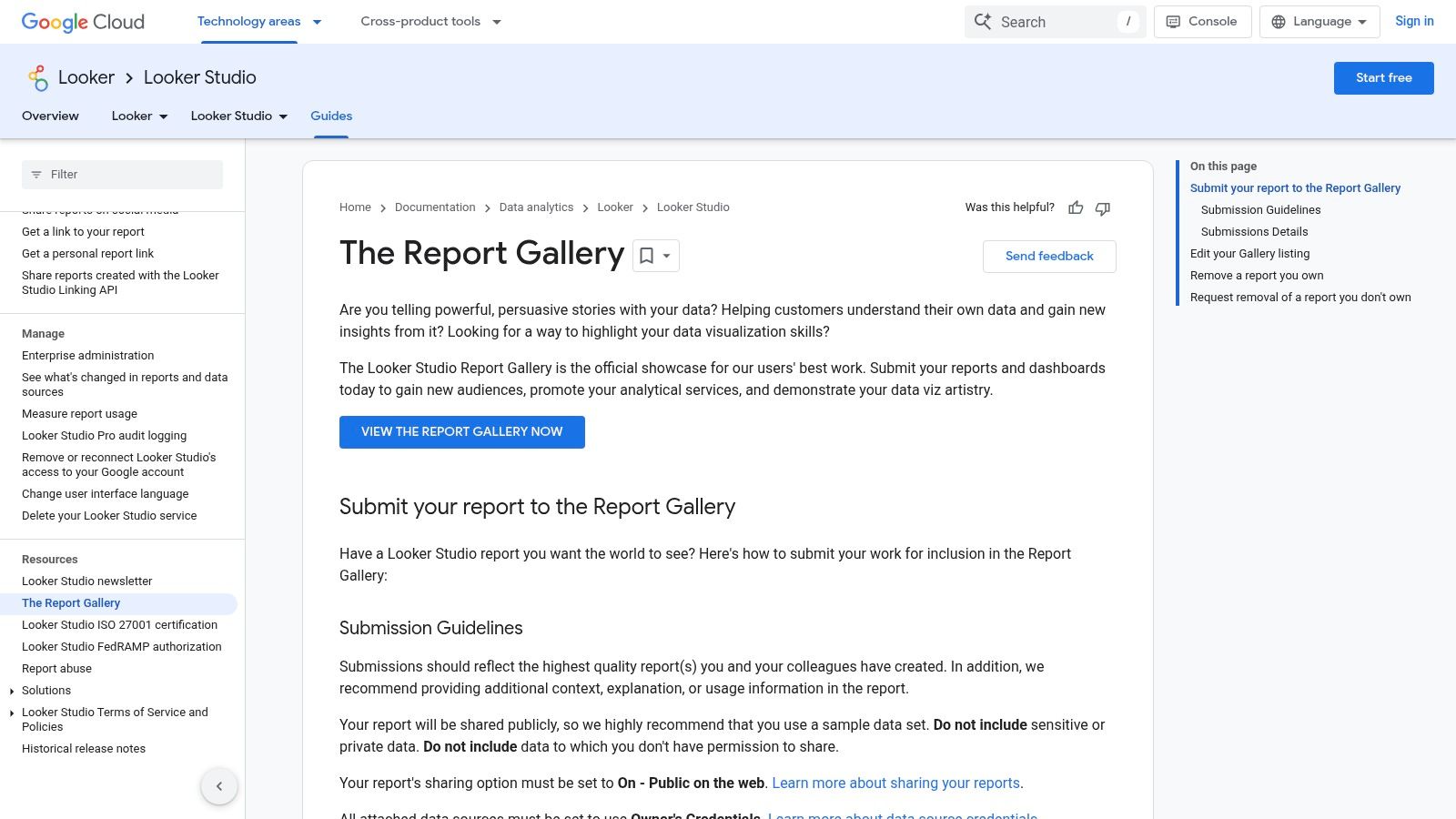
Most reports in the gallery can be copied with a single click, letting you plug in your own data and poke around to see how they built it. But let's be clear: it's not a dedicated template store. Quality and documentation are all over the place, and many submissions are just showing off one cool trick rather than being a complete, client-ready report. Its main strength is giving you a solid, free foundation and sparking ideas for your own stuff.
Key Features & Assessment
| Feature | Rating | Details |
|---|---|---|
| Variety | ★★★★☆ | Covers a wide range of use cases from SEO to Google Ads and analytics. |
| Quality | ★★★☆☆ | Varies by author. Google's own submissions are top-notch, but community ones can be inconsistent. |
| Ease of Use | ★★★★★ | Most templates are one-click copies, making it incredibly simple to get started. |
| Cost | Free | All templates and examples in the official gallery are completely free to access and use. |
Website: Google Looker Studio Report Gallery
2. Supermetrics Template Gallery
If Google’s gallery is the public library, the Supermetrics Template Gallery is the fancy, members-only section for marketers. It’s a massive catalog of polished, professional Looker Studio templates designed to visualize data from pretty much every marketing platform you can think of. From Meta and LinkedIn Ads to TikTok and SEO tools, Supermetrics gives you a turnkey solution for cramming all your paid media, organic, and analytics data into one beautiful dashboard.
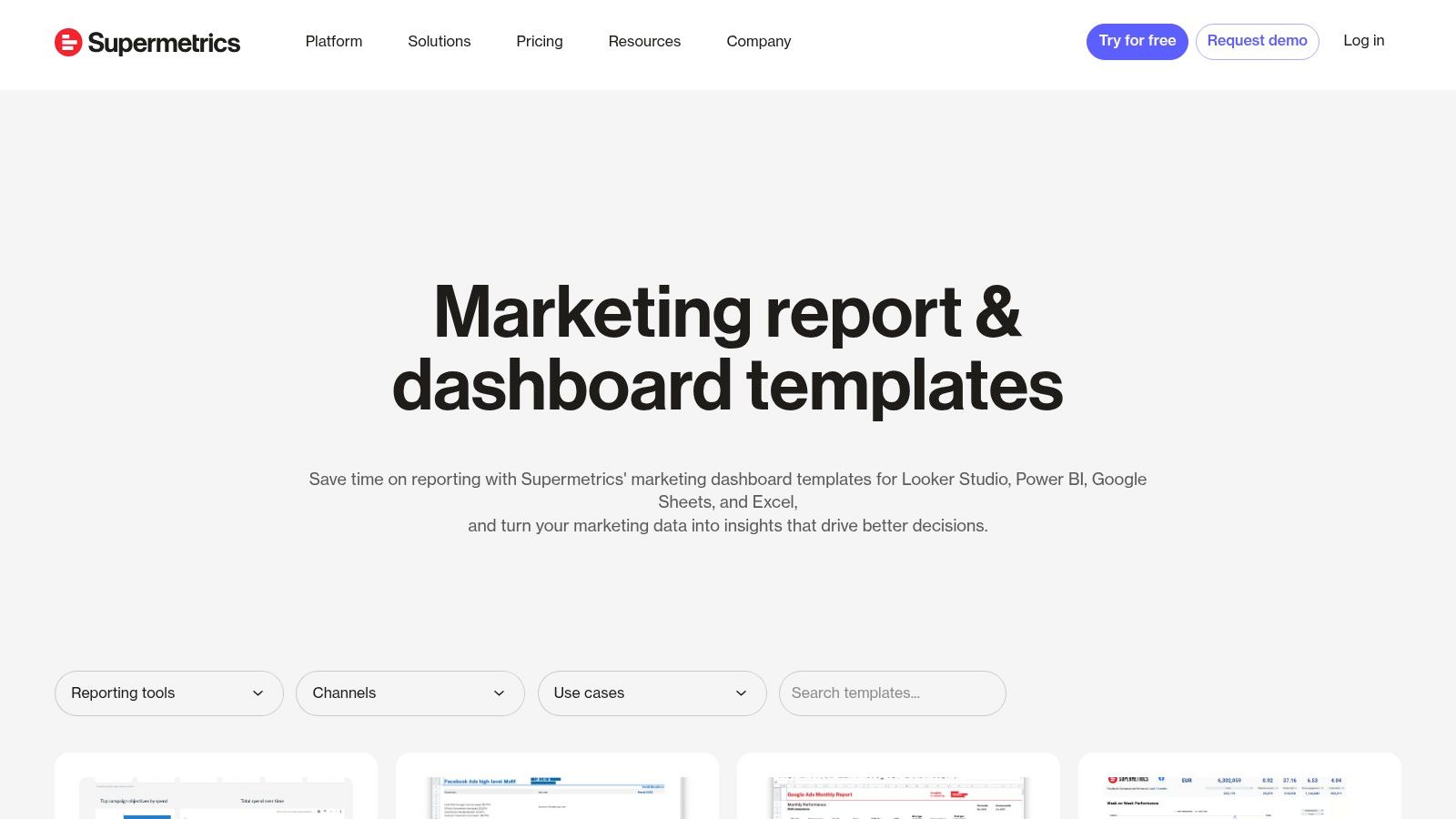
Here's the catch: these templates are built to work perfectly with Supermetrics connectors. This is both their superpower and their main requirement; you can't just plug in a native Google connector and hope for the best. The upside is that Supermetrics does the hard work of pulling data from APIs that Looker Studio won't touch, like LinkedIn Ads. You get robust, agency-grade reports with clear instructions, making your life way easier.
Key Features & Assessment
| Feature | Rating | Details |
|---|---|---|
| Variety | ★★★★★ | Exceptional for marketing. Huge range covering paid media, social, SEO, and blended reports. |
| Quality | ★★★★★ | Consistently high-quality, professional designs that are client-ready with minimal tweaking. |
| Ease of Use | ★★★★☆ | Simple one-click copy process, but requires setting up the corresponding Supermetrics connector first. |
| Cost | Paid | While the templates are free to copy, they require a paid Supermetrics subscription to function. |
Website: Supermetrics Template Gallery
3. Data Bloo
If you’re looking for templates that are ready to go straight out of the box for client presentations, Data Bloo is a premium marketplace worth a look. It specializes in professionally designed, paid Looker Studio templates that are all about visual polish and a clean user experience. Their stuff is aimed at agencies and businesses that need to look good without spending hours on design. They've got you covered for GA4, Google Ads, and comprehensive multi-channel dashboards.
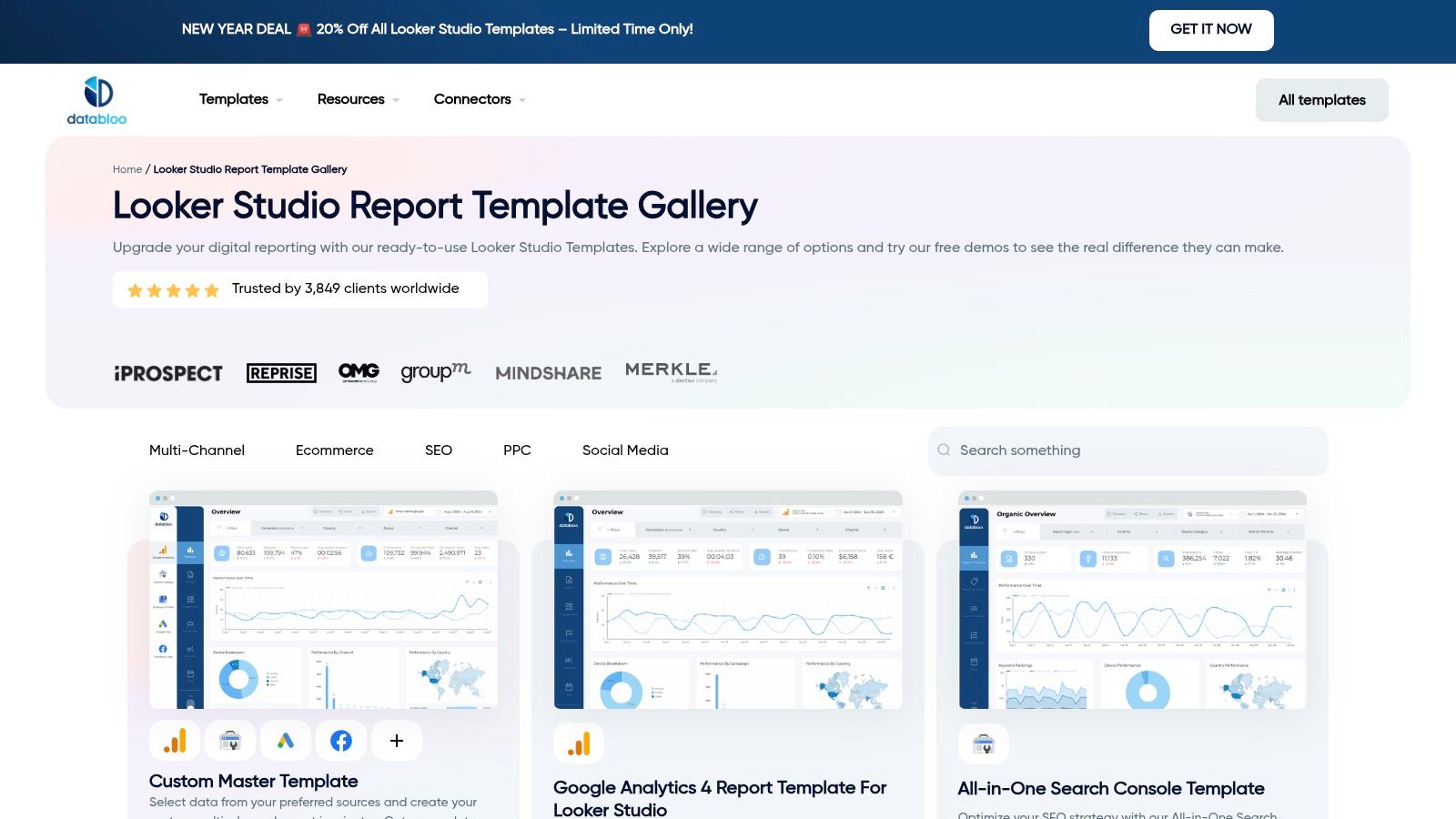
Unlike free galleries, Data Bloo’s templates are built with actual business needs in mind. Each purchase is a one-off license that lets you make unlimited, white-label copies, which is perfect for agencies. The clear demos and setup guides make it simple to connect your data and get going. While you do have to pay (and the prices are in euros), the investment can easily pay for itself in the time saved on design, especially when you need a high-quality dashboard, like, yesterday.
Key Features & Assessment
| Feature | Rating | Details |
|---|---|---|
| Variety | ★★★☆☆ | Strong focus on marketing (GA4, Ads, Search Console, Meta), but fewer niche categories. |
| Quality | ★★★★★ | Consistently high-quality, professional designs that are polished and ready for client viewing. |
| Ease of Use | ★★★★☆ | One-click copy with clear instructions. Some non-Google data sources may require extra connectors. |
| Cost | Paid | One-time license fee per template or bundle, priced in euros. Offers significant value for agencies. |
Website: Data Bloo
4. Power My Analytics (PMYA) Template Library
Power My Analytics (PMYA) offers a beefy solution for agencies and marketing teams drowning in a sea of disconnected data. Their deal isn't just a gallery of Looker Studio templates; it’s a whole system where their powerful data connectors feed directly into pre-built, multi-source dashboards. This makes PMYA a go-to for creating reports that blend data from platforms like GA4, Facebook Ads, and LinkedIn Ads into one cohesive view, saving you from the headache of manual data blending.
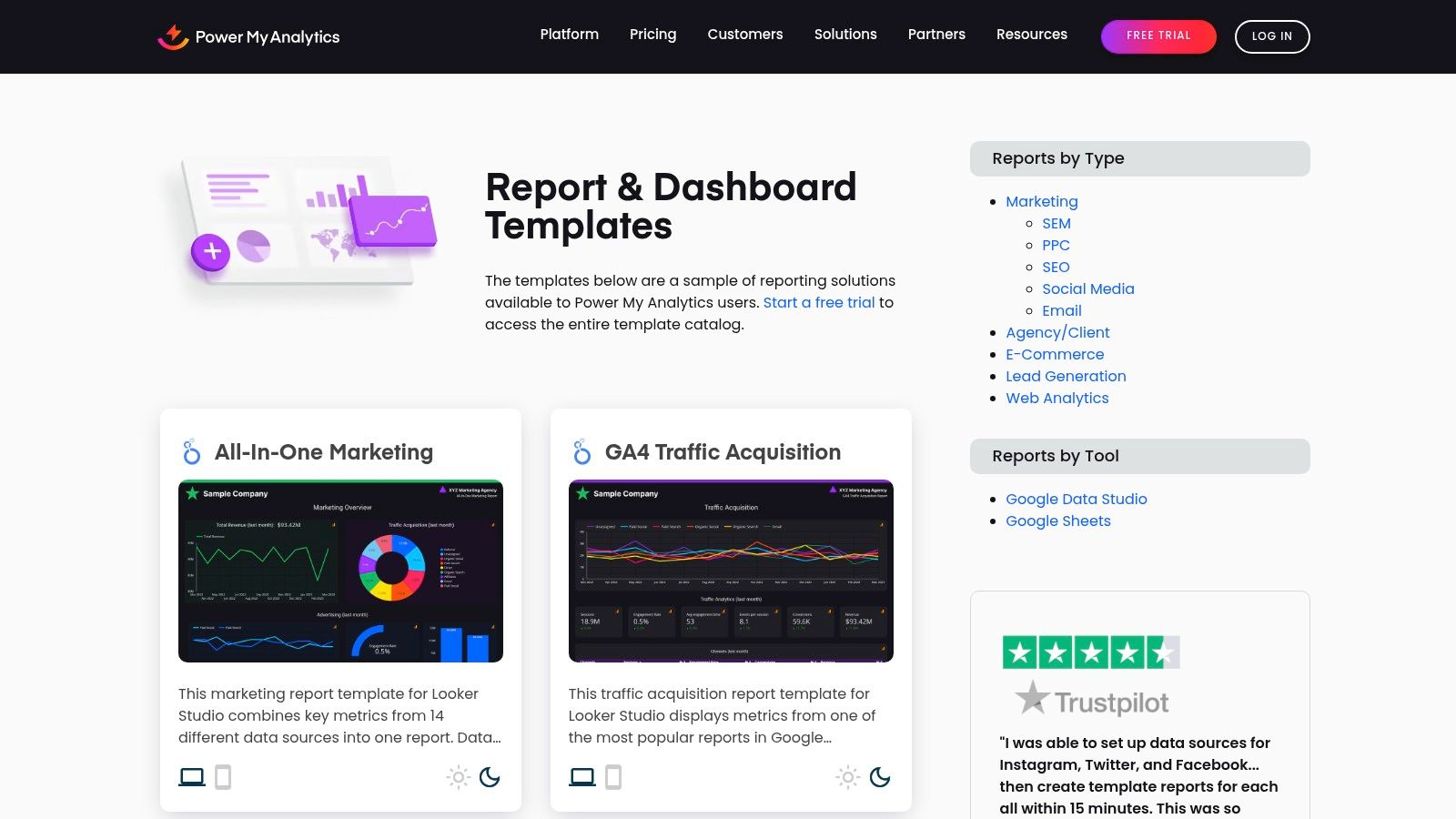
The library itself is huge, covering everything from e-commerce sales funnels to all-in-one digital marketing overviews. The setup is simple: pick a template, connect your sources through their connector hub, and the report populates almost instantly. While you could technically use the templates with other connectors, they are optimized for the PMYA ecosystem. This tight integration is their biggest strength but also the main thing to know, since you'll need an ongoing subscription to their data connectors after the 14-day free trial.
Key Features & Assessment
| Feature | Rating | Details |
|---|---|---|
| Variety | ★★★★☆ | Excellent coverage of paid media, SEO, social, and e-commerce. |
| Quality | ★★★★☆ | Professional, well-structured templates designed for multi-source reporting. |
| Ease of Use | ★★★☆☆ | Very easy if using their connectors. Requires more effort if you bring your own data. |
| Cost | Subscription | Templates are free, but they are built to work with their paid data connectors. |
Website: Power My Analytics (PMYA) Template Library
5. Porter Metrics
Porter Metrics offers a pretty sweet package deal: a solid collection of free and paid Looker Studio templates that work hand-in-glove with their own data connectors. This approach makes getting your data into the report—one of the biggest pains—much simpler. Their library is especially strong for marketers, with ready-to-use dashboards for GA4, Google Ads, SEO, and various social media platforms. The focus here is on speed and simplicity, making it a great choice for agencies or small teams that need professional reports without a huge learning curve.
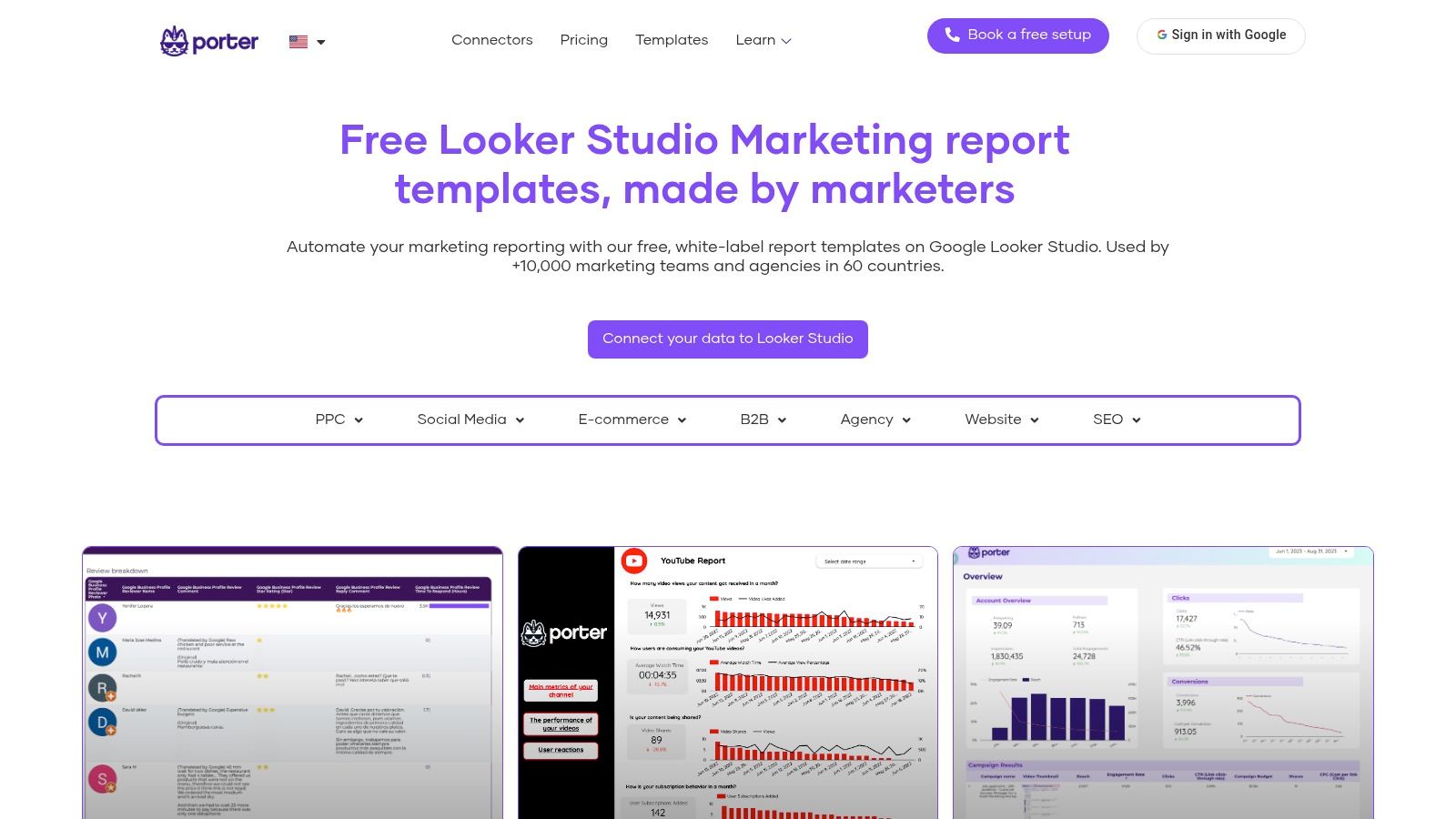
What makes Porter stand out is the support system they've built. Each dashboard comes with clear walkthroughs, and they even offer a "free setup" service to help you connect your accounts. This hand-holding is awesome for anyone new to Looker Studio. While many templates are designed for Porter's paid connectors, they also work with native Google sources like GA4 and Search Console, giving you options. The main trade-off is that for the fancier, multi-source dashboards, you'll probably need to subscribe.
Key Features & Assessment
| Feature | Rating | Details |
|---|---|---|
| Variety | ★★★☆☆ | Strong focus on core marketing channels (GA4, Ads, Social). Less variety for non-marketing use cases. |
| Quality | ★★★★☆ | Clean, professional, and well-documented templates designed for client-facing reports. |
| Ease of Use | ★★★★★ | Excellent. The combination of templates, connectors, and setup guides makes it incredibly straightforward. |
| Cost | Freemium | Offers a great selection of free templates, but advanced reports require paid Porter Metrics connectors. |
Website: Porter Metrics
6. Windsor.ai
Windsor.ai has one of the largest free galleries of Looker Studio templates out there, making it a fantastic starting point for multi-channel reporting. With over 60 templates covering everything from paid media (Facebook Ads, LinkedIn Ads) to SEO and web analytics, it’s a goldmine for marketers needing to visualize data from a bunch of different platforms. The company’s main business is its data connector service, and these templates are basically excellent, functional demos of what you can do when you pipe in data from their 300+ sources.
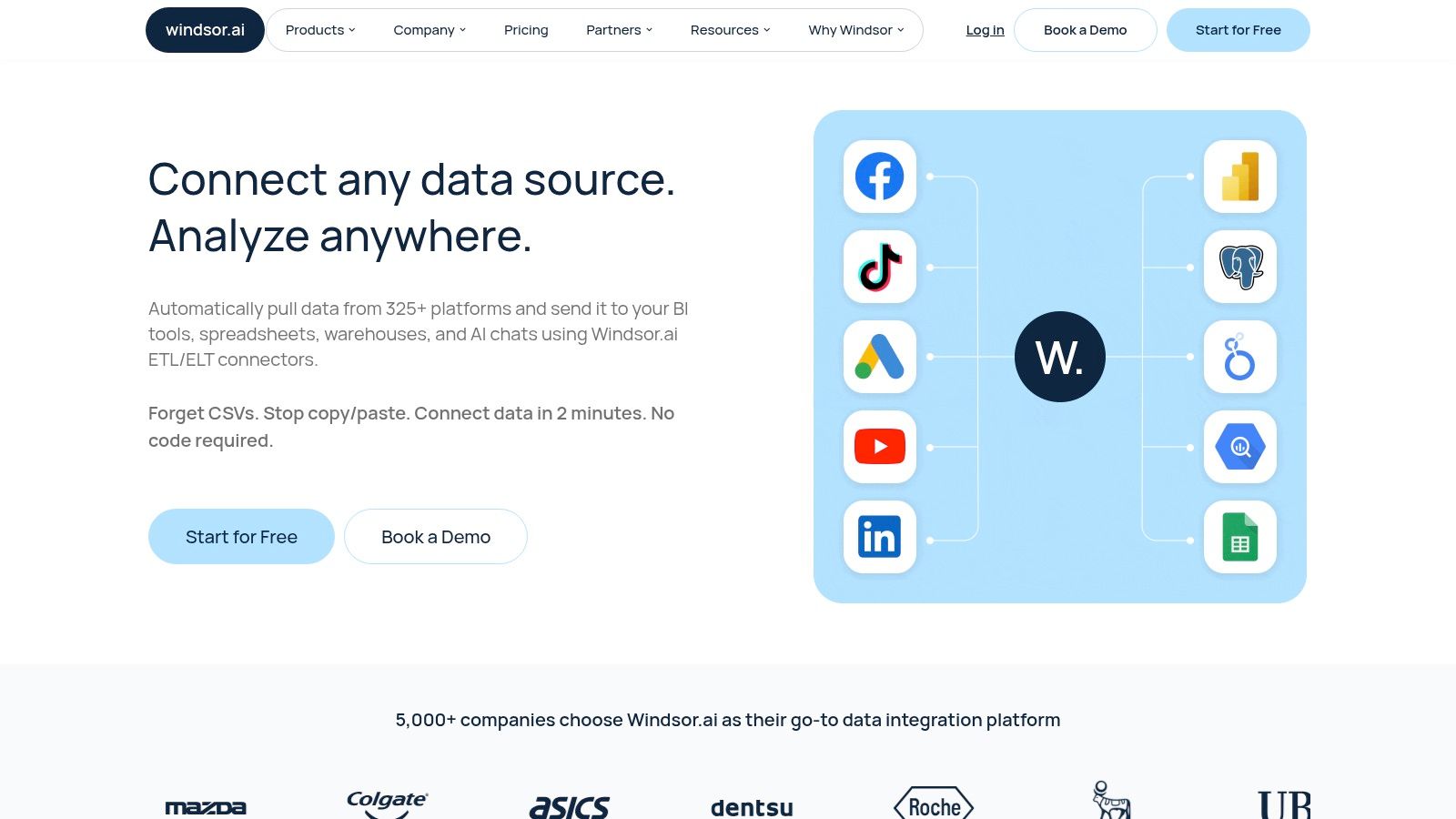
The real magic of Windsor.ai is in its cross-channel templates, which are designed to blend data from multiple sources into a single, cohesive view. This is perfect for quickly mocking up a comprehensive marketing dashboard. While you can easily use the templates with native Google connectors for free, unlocking their full power with non-Google data (like TikTok Ads or HubSpot) requires a subscription to Windsor.ai’s data connectors. For agencies tired of manually exporting CSVs, this is often a no-brainer.
Key Features & Assessment
| Feature | Rating | Details |
|---|---|---|
| Variety | ★★★★★ | An extensive collection of 60+ free templates, with a strong focus on paid media and cross-channel reporting. |
| Quality | ★★★☆☆ | Designs are functional and clean but can vary in depth. Best used as a solid foundation rather than a final product. |
| Ease of Use | ★★★★☆ | Simple one-click copy process. Connecting non-Google data requires signing up for Windsor.ai's connector service. |
| Cost | Free (Templates) | The templates themselves are free, but connecting to most non-Google data sources requires a paid Windsor.ai subscription. |
Website: Windsor.ai
7. Catchr.io
Catchr.io offers a streamlined approach, acting as both a template provider and a data connector hub. Their specialty is offering a collection of free, well-designed Looker Studio templates that are built to work perfectly with their own suite of partner connectors. This creates a neat little ecosystem where you can grab a template for a platform like LinkedIn Ads, connect it to your data in just a few clicks using their paid connectors, and bypass a lot of the manual setup drama.
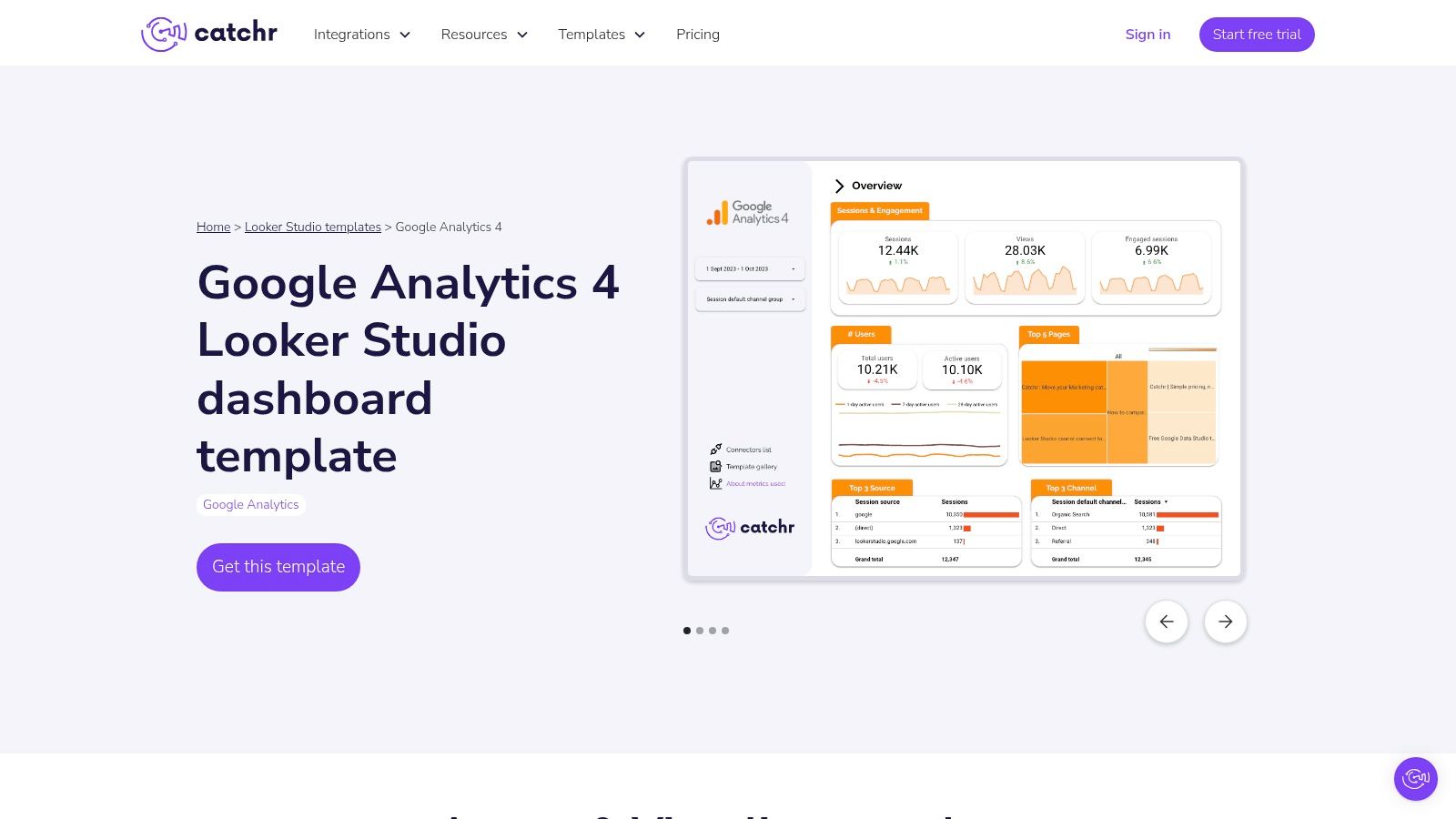
The platform is super useful for marketers needing to pull data from sources not natively supported by Looker Studio. While the templates are free, their real power is unlocked with Catchr’s paid connectors, which cover over 80 marketing platforms. The onboarding flow is incredibly simple; you pick a template, and it walks you through connecting the necessary data source. While its library isn't as huge as some other marketplaces, the quality and ease of integration make it a strong contender for teams looking for an all-in-one solution.
Key Features & Assessment
| Feature | Rating | Details |
|---|---|---|
| Variety | ★★★☆☆ | Good coverage for popular marketing channels like social media ads and SEO, but the library is smaller than larger marketplaces. |
| Quality | ★★★★☆ | The templates are clean, professional, and built to work perfectly with their specific data connectors, ensuring reliability. |
| Ease of Use | ★★★★★ | The guided setup is a standout feature. The "Get this template" flow makes connecting data sources incredibly simple. |
| Cost | Freemium | Templates are free, but their primary value is realized when used with Catchr's competitively priced paid connectors. |
Website: Catchr.io
8. Etsy
You might know Etsy for handmade crafts, but it has quietly become a surprisingly great marketplace for digital products, including a growing collection of Looker Studio templates. This is where independent creators and data-savvy designers sell their reports, often with a unique visual flair you won't find on more corporate sites. For freelancers or small businesses on a tight budget, Etsy can be a treasure trove of affordable, creative options for GA4, SEO, and PPC reporting.
The experience is exactly what you'd expect: browse listings, check seller reviews, and get an instant digital download. The biggest plus is the price and the sheer variety of visual styles. However, this is the Wild West of template quality. Support, documentation, and updates depend entirely on the individual seller, so it's super important to read reviews and manage your expectations. It's the perfect place to find a cheap, cool-looking report, but don't expect the support you’d get from a dedicated provider.
Key Features & Assessment
| Feature | Rating | Details |
|---|---|---|
| Variety | ★★★☆☆ | Strong on visual style and niche aesthetics but less comprehensive on complex technical use cases. |
| Quality | ★★☆☆☆ | Highly variable. Quality, support, and documentation depend entirely on the individual seller. Vet carefully. |
| Ease of Use | ★★★★☆ | The purchase and download process is instant. Template setup is usually straightforward. |
| Cost | Low (One-Time) | Most templates are very affordable, typically sold for a small, single payment. |
Website: Etsy
9. Fiverr
When a pre-built template just won't cut it, the next logical step is to get one custom-made. Fiverr is a massive freelance marketplace where you can hire pros to build bespoke Looker Studio templates from scratch. Instead of trying to cram your data into an existing report, you can define your exact KPIs, data sources, and branding, and have an expert build a dashboard tailored perfectly to your business. This is ideal for complex projects or when you just don't have the time to figure it out yourself.
The platform’s strength is its variety and flexibility. You can find freelancers offering everything from a quick fix on an existing dashboard to a complete reporting suite build-out. Sellers offer tiered packages (Basic, Standard, Premium), making it easy to budget and define the work upfront. The key to success on Fiverr is doing your homework: carefully check seller portfolios, read reviews, and be crystal clear about your requirements before you buy a gig. For a truly unique solution, this is often way more cost-effective than wrestling with a one-size-fits-all template.
Key Features & Assessment
| Feature | Rating | Details |
|---|---|---|
| Variety | ★★★★★ | Huge pool of freelancers with diverse skills, from data blending to pure visualization. |
| Quality | ★★☆☆☆ | Varies significantly. Requires careful vetting of seller profiles, reviews, and past work. |
| Ease of Use | ★★★★☆ | The platform is easy to navigate. The project process depends on clear communication with the freelancer. |
| Cost | Varies | Prices range from as little as $25 for minor tweaks to thousands for complex, multi-source dashboards. |
Website: Fiverr
10. DataClare
DataClare carves out a specific niche by focusing almost exclusively on premium, client-ready GA4 dashboards. If your reporting life revolves around Google Analytics 4, Search Console, and Google Ads, this platform was built for you. Their templates are designed to be polished and professional right out of the gate, often including period-over-period comparisons and clean layouts that need minimal tweaking before you send them to a client. This focus makes them a strong choice for agencies and marketers who need impressive-looking reports without building from scratch.
What sets DataClare apart is its simple one-time purchase model. In a world full of subscriptions, paying once for a robust template you can reuse forever is a breath of fresh air. They offer clear demos, so you know exactly what you're getting, and the documentation is solid. While its specialization means you won't find a massive library covering every possible data source, the quality of its GA4-centric Looker Studio templates is top-notch. It's a targeted solution that's great at blending core Google data into a single, coherent story.
Key Features & Assessment
| Feature | Rating | Details |
|---|---|---|
| Variety | ★★☆☆☆ | Highly specialized in GA4, GSC, and Google Ads. Limited options outside of this ecosystem. |
| Quality | ★★★★★ | Excellent. Templates are professionally designed, client-ready, and focus on actionable KPIs. |
| Ease of Use | ★★★★☆ | Straightforward setup with good documentation. Connect your data sources and you're mostly ready. |
| Cost | One-Time Fee | Templates are sold with a one-time license, offering great long-term value without recurring fees. |
Website: DataClare
11. DataStudio.Guru (DSG)
For those who believe less is more, DataStudio.Guru (DSG) offers a focused, minimalist approach. Instead of overwhelming you with dozens of complex options, DSG specializes in lightweight, native reporting dashboards designed for speed and simplicity. Their templates, like the popular GA4 "Insights" report, are built exclusively with native Looker Studio components. This means no fussy third-party connectors or complicated setups—just clean, fast reports that are super easy to edit and maintain.
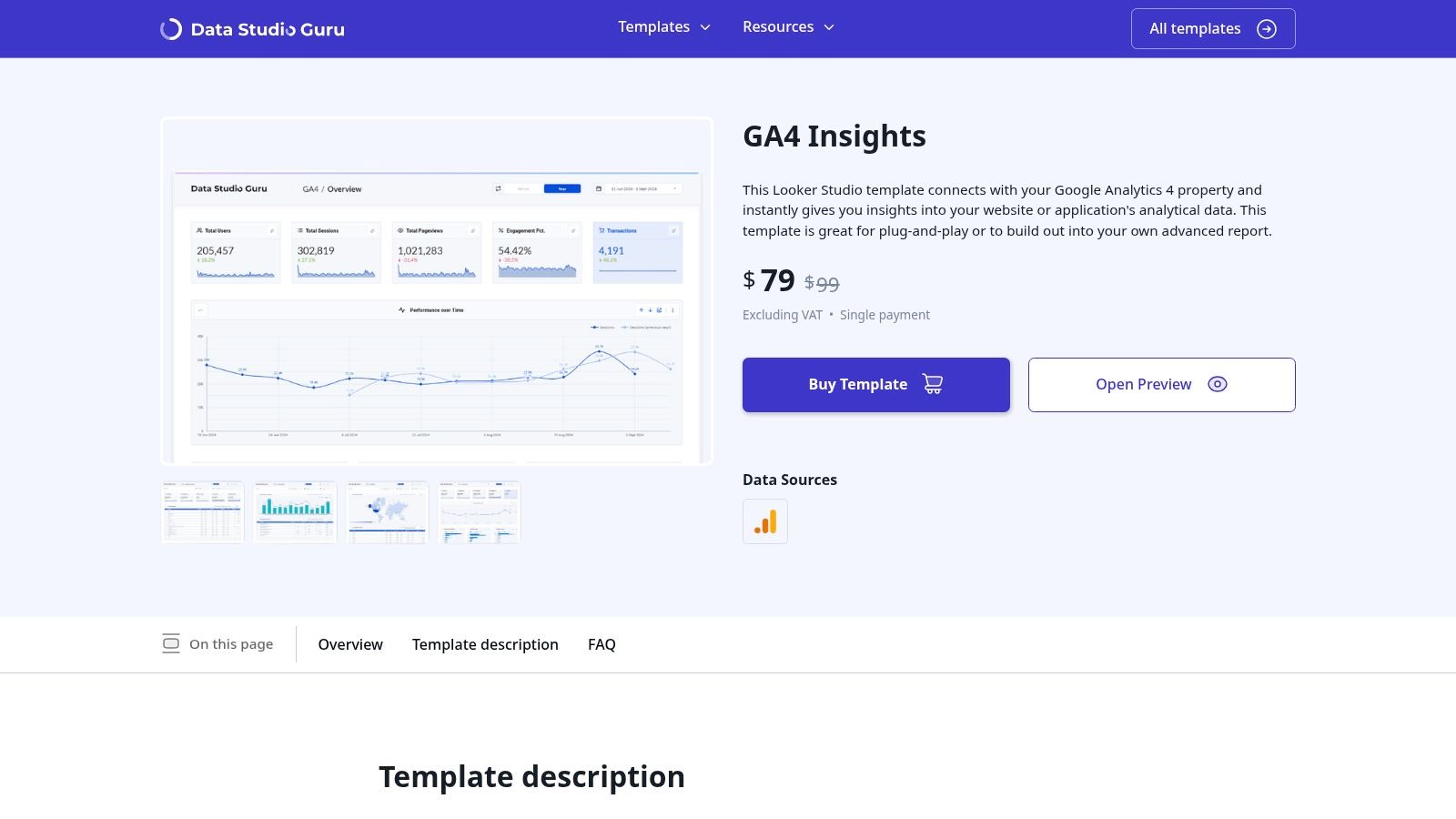
This philosophy makes DSG a great choice for users who need a straightforward, high-performing GA4 report without the extra bloat. The one-time payment model is a refreshing change from subscriptions, offering great value for a single, well-crafted solution. While the catalog isn't huge, the quality and focus on usability make it a strong contender for anyone needing a solid GA4 dashboard.
Key Features & Assessment
| Feature | Rating | Details |
|---|---|---|
| Variety | ★★☆☆☆ | Very limited selection, with a primary focus on Google Analytics 4. |
| Quality | ★★★★★ | Excellent. Templates are fast, clean, and use only native components for reliability. |
| Ease of Use | ★★★★★ | The native-only approach makes these templates exceptionally simple to customize and use. |
| Cost | Paid | A one-time payment provides lifetime access to the purchased template. |
Website: DataStudio.Guru (DSG)
12. LookerStudioLand
LookerStudioLand operates with a community-first vibe, offering a collection of free, copy-ready Looker Studio templates designed for quick use. It’s an excellent resource for those just dipping their toes into data viz or needing a fast solution for internal reporting without any upfront cost. The platform prioritizes simplicity, providing straightforward instructions on how to duplicate reports and connect your own data sources, like their popular GA4 dashboard. This makes it a great training ground for learning the basics of Looker Studio.
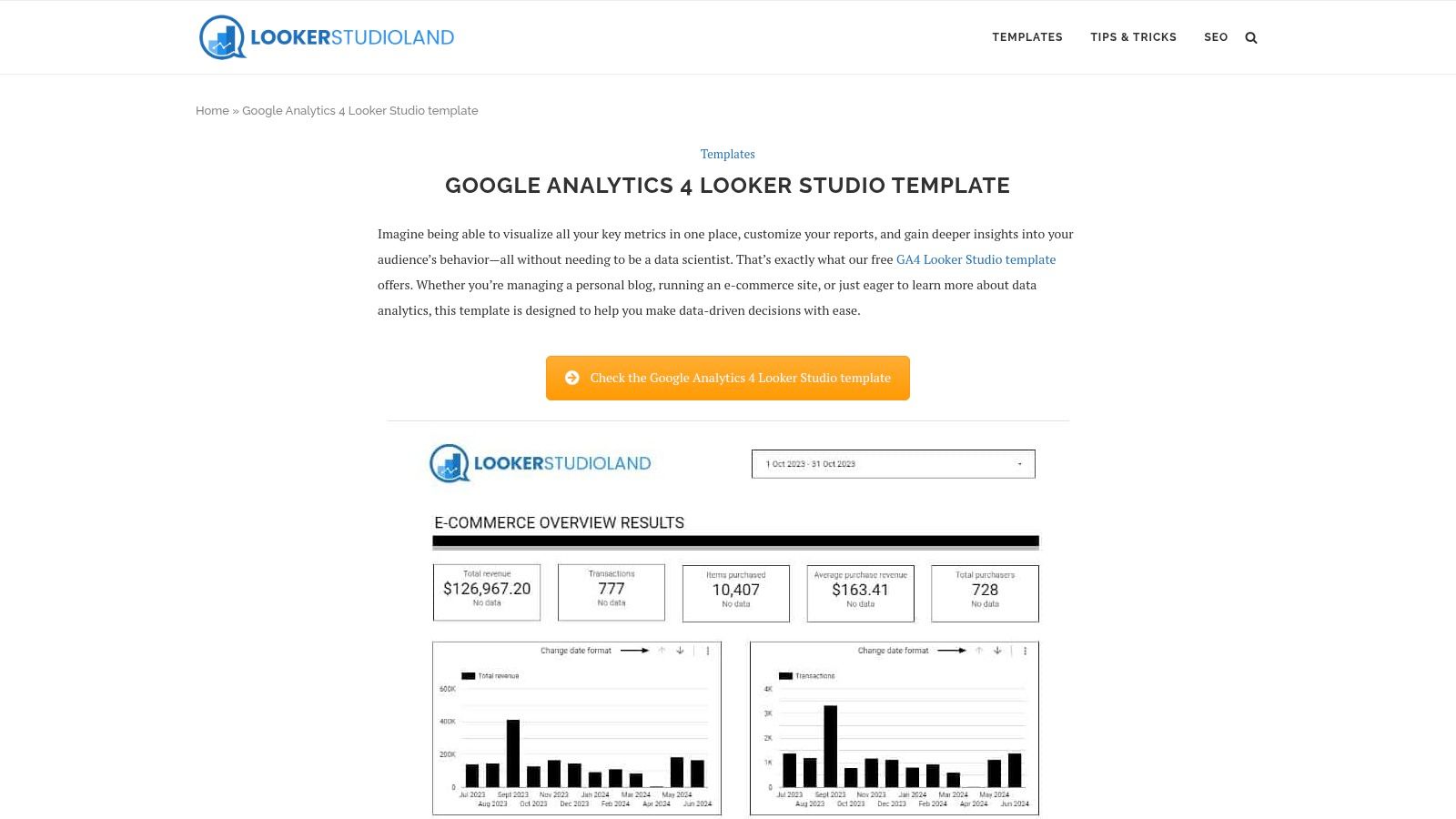
While the catalog isn't as massive as paid marketplaces, the templates on LookerStudioLand provide a solid starting point that you can easily customize. The primary focus is on accessibility and learning rather than offering super-polished, client-ready reports out of the box. Think of it as a helpful community hub where you can grab a functional dashboard, see how it was built, and then tweak it to fit your needs. It's a no-risk way to get started with powerful reporting.
Key Features & Assessment
| Feature | Rating | Details |
|---|---|---|
| Variety | ★★☆☆☆ | The catalog is modest and focuses on common use cases like GA4, but lacks the breadth of larger providers. |
| Quality | ★★★☆☆ | Solid and functional for internal use or as a learning tool, but may need significant polish for client-facing reports. |
| Ease of Use | ★★★★★ | Extremely straightforward with clear "Make a copy" guidance, making it perfect for beginners. |
| Cost | Free | All templates are completely free, positioning it as a zero-cost entry point into Looker Studio. |
Website: LookerStudioLand
Looker Studio Templates: 12-Source Comparison
| Provider | Core features | UX / Quality | Value proposition | Target audience | Pricing model |
|---|---|---|---|---|---|
| Google Looker Studio Report Gallery | Curated, copyable public reports; variety of use cases | High-quality examples; quality varies by author | Free inspiration & ready-to-copy starters | Learners, analysts, small agencies | Free |
| Supermetrics Template Gallery | Large marketing-focused catalog; blended reports; setup guides | Strong documentation and onboarding | Ready-made cross-channel marketing templates | Agencies, marketing teams | Templates free; full features often require Supermetrics subscription |
| Data Bloo | Professionally designed templates & bundles; white-label | Polished, client-ready visuals | High-end, production-ready dashboard designs | Agencies, consultants, client-facing teams | Paid one-off licenses (EUR) |
| Power My Analytics (PMYA) Template Library | Extensive multi-source templates; connector-focused | Fast end-to-end setup; good KB | Quick multi-source reporting with connector support | Agencies, marketers needing multi-source reports | Subscription for connectors; 14-day trial |
| Porter Metrics | Free & paid templates; connector walkthroughs | Agency-friendly docs; quick setups | Fast, white-label templates for agencies | Agencies and SMBs | Free templates; paid connectors/options |
| Windsor.ai | Large free gallery (60+); 300+ connectors | Good for prototypes; template depth varies | Big free collection for testing multi-channel layouts | Prototype teams, internal dashboards | Free templates; paid connectors for non-Google sources |
| Catchr.io | Free templates paired with Catchr connectors; metrics lists | Clear setup flow; straightforward onboarding | Starter templates with clear metric requirements | GA4 users, small agencies | Free templates; paid connector plans |
| Etsy | One-off template listings; instant digital delivery | Varies by seller; review-driven | Affordable, niche or aesthetic templates | Freelancers, small businesses on a budget | Low one-time fees per template |
| Fiverr | Custom template builds; freelancer marketplace | Variable quality; vet via portfolios | Fully custom dashboards and integrations | Teams needing bespoke reports or ongoing help | Per-project pricing (gigs) |
| DataClare | GA4-focused & blended GA4+GSC/Ads templates; PoP comps | Client-ready layouts; clear demos | Targeted acquisition/e‑commerce insights | E‑commerce and acquisition teams | One-time purchase per template |
| DataStudio.Guru (DSG) | Lightweight GA4 templates using native components | Fast, clean, easy to edit | Simple, fast native Looker Studio reporting | GA4 users who want simplicity | One-time payment |
| LookerStudioLand | Free, copy-ready templates; community resources | Simple instructions; easy to duplicate | Zero-cost entry for learning/internal use | Learners, internal reporting teams | Free |
Templates Are Great, But Don't Forget to Automate
And there you have it: a treasure map to the best Looker Studio templates out there. We’ve journeyed through the official Google galleries, explored robust third-party platforms like Supermetrics, and even peeked into the creative marketplaces of Etsy and Fiverr. The right template can genuinely turn a spreadsheet of raw numbers into a compelling story, making you look like a data wizard.
But let's be honest. Finding the perfect template is only half the battle. A dashboard, no matter how beautiful, is useless if your stakeholders never actually look at it. It’s a super common problem. A report from Sisense found that nearly half of employees struggle to get clear answers from their company's data tools. The bottleneck isn't a lack of data; it's the hassle of logging in to find it.
This is where even the fanciest Looker Studio templates hit their limit. They're amazing for centralized visualization, but they still rely on someone actively logging in, remembering the URL, and hunting for that "aha!" moment. This manual process is a recipe for low engagement and missed opportunities.
Beyond the Dashboard: The Power of Proactive Reporting
The real game-changer isn't just building a better dashboard; it's creating a system that delivers insights proactively. Instead of waiting for someone to pull data, you need a way to push critical info directly to them. This is especially crucial for:
- Digital Marketing Agencies: Juggling dozens of clients means you can't have them all log into separate dashboards. You need to deliver consistent, white-labeled reports that land in their inbox like clockwork.
- In-House Marketing Teams: Your CMO doesn't have time to poke around in Looker Studio. They need a top-line summary of KPIs in their email every Monday morning so they can walk into meetings ready to go.
- E-commerce Managers: You can't be glued to a sales dashboard 24/7. You need automated alerts that tell you the second your checkout conversion rate drops or a product suddenly starts flying off the virtual shelves.
This is the strategic leap from passive data visualization to active, automated intelligence. You use the incredible flexibility of Looker Studio templates to design the perfect report, then pair it with an automation tool to handle the delivery. This combo is the ultimate power move.
Building Your Automated Reporting Engine
Think of it this way: your Looker Studio template is the beautifully engineered car, and an automation tool like MetricsWatch is the autopilot. You design the car once, set its destination and schedule, and let it drive itself. This approach not only saves countless hours but also ensures key insights are never missed.
By scheduling your meticulously designed Looker Studio reports to be sent as branded PDF attachments via email, you eliminate the "dashboard fatigue" that plagues so many companies. Plus, with anomaly detection features, you can set up alerts for your most important metrics. You’ll be the first to know when ad spend spikes or organic traffic plummets, allowing you to react in hours, not weeks. This is a core principle in the world of Data and Automation, where the goal is to make data work for you, not the other way around.
So, as you explore the fantastic Looker Studio templates from this list, don't just stop at making a pretty chart. Think about the entire reporting workflow. Ask yourself: "How can I get this crucial info into the right hands with the least amount of friction?" The answer lies in bridging the gap between brilliant visualization and intelligent automation. Go build your dashboard, but then, be sure to put it on autopilot.
Ready to automate the beautiful reports you build with Looker Studio templates? MetricsWatch connects directly to your data sources and sends professional, automated reports straight to your team's or clients' inboxes. Stop chasing people to check dashboards and start delivering insights effortlessly with a free trial of MetricsWatch today.


